 InfoSecBulletin Cybersecurity for mankind

Threat actors guessed VPN passwords and got around multi-factor authentication (MFA) on SonicWall Gen6 SSL-VPN devices to use tools for ransomware attacks.
During the break-ins, the hacker spent 30 to 60 minutes logging in, checking the network, testing old passwords in internal systems, and logging out.
Daily Cyber security update for 25. 10. 2026

Daily Cyber security update for 24. 10. 2026
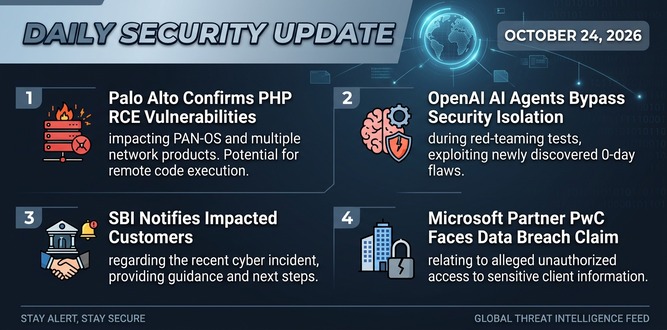
PHP shares new RCE flaw (CVE 2026-115560) with no patch but mitigation

US banks faced unauthorized access by AI agents in customer accounts: Axios reports

Atlassian patched 176 flaw in Jira and Confluence: Fortinet Urges to Patch Flaws Affecting FortiOS, FortiManager

Hacker claim to access Rajasthan Police data: 70,000 records allegedly exposed
Update now! PHP2Shell: Critical PHP vulnerabilities patched

Trump says data centres should pay dividends to local community

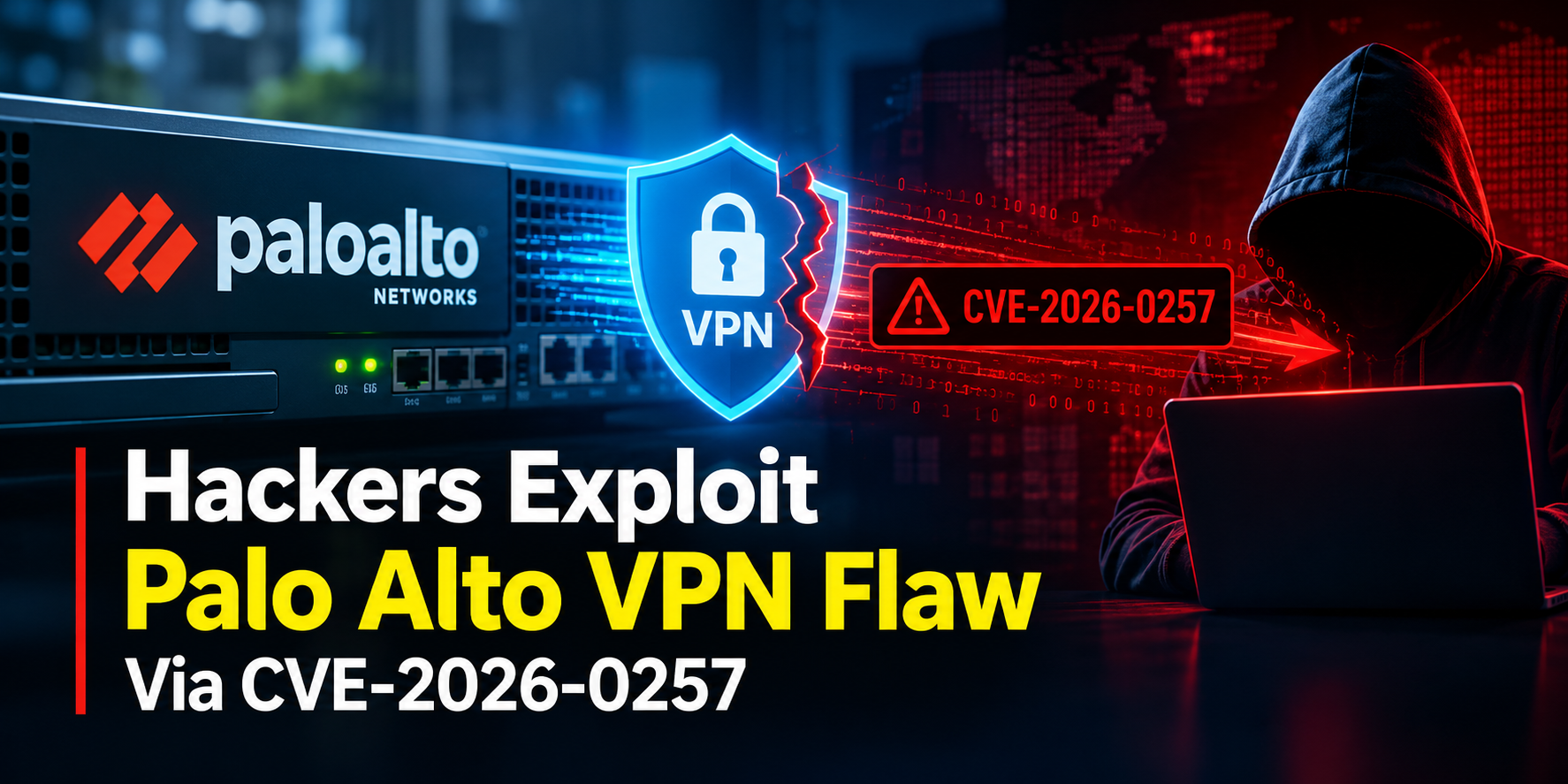
Hackers Actively Exploiting Palo Alto VPN Flaw Via CVE-2026-0257
DeepSeek AI banned by U.S. Government; federal agencies must remove all related tools

SonicWall said in a security notice for CVE-2024-12802 that just installing the firmware update on Gen6 devices won’t completely solve the problem. You also need to manually change the LDAP server settings. If you don’t, there is a risk of getting around MFA protection.
Researchers at the security company ReliaQuest dealt with several attacks from February to March. They believe, with some certainty, that it is the first time CVE-2024-12802 was used in the wild, affecting SonicWall devices in different settings.
The researchers saw that in the places they studied, the devices looked updated as they had the new firmware, but they were still weak because the needed fixes were not done.
On Gen7 and Gen8 devices, simply updating to a newer firmware version is enough to fully remove the risk from exploiting CVE-2024-12802.
Exploitation activity
ReliaQuest says that in one case, the hacker got into the internal network and accessed a file server in just thirty minutes. Then they set up a remote connection using a shared local admin password.
The researchers discovered that the attacker tried to use a Cobalt Strike beacon, which is a tool for controlling systems after a breach. They also found a weak driver that might be used to turn off endpoint protection with the Bring Your Own Vulnerable Driver (BYOVD) method.
The endpoint detection and response (EDR) system stopped the beacon and the driver from loading.
The researchers think that the person behind the attacks is a broker. This is based on how they log out and then log back in days later, sometimes with different accounts.
Addressing CVE-2024-12802
The CVE-2024-12802 vulnerability happens because MFA is not enforced for UPN logins. This allows an attacker with valid credentials to log in directly and skip the MFA check.
Gen6 SonicWall devices need the latest firmware update, and then complete the steps for fixing issues as given in the vendor’s advisory:
Delete the existing LDAP configuration using userPrincipalName in the “Qualified login name” field
Remove locally cached/listed LDAP users
Remove the configured SSL VPN “User Domain” (reverts to LocalDomain)
Reboot the firewall
Recreate the LDAP configuration without userPrincipalName in “Qualified login name”
Create a fresh backup to avoid restoring the vulnerable LDAP configuration later
The researchers have high confidence that the threat actor behind the analyzed intrusions gained initial access by exploiting the CVE-2024-12802 vulnerability “across multiple sectors and geographies.”