 InfoSecBulletin Cybersecurity for mankind
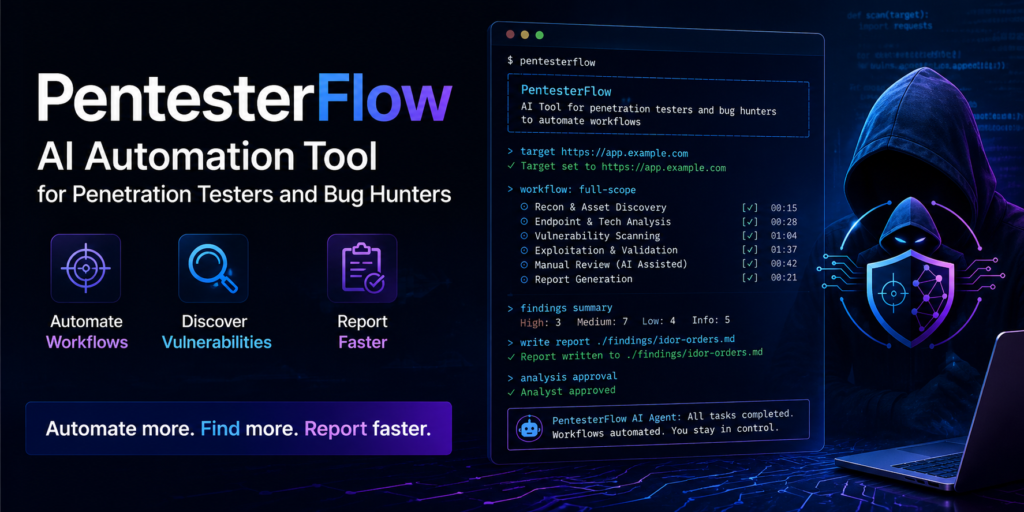
PentesterFlow is a new open-source AI tool for command lines. It is made for penetration testers and bug bounty hunters. It helps automate the work from finding problems to reporting them, while still allowing analysts to oversee the process.
Most AI security tools have fake findings, weak context memory, and bad tool connections. PentesterFlow deals with these issues directly by having built-in pentest skills, confirming findings with evidence, and learning continuously.
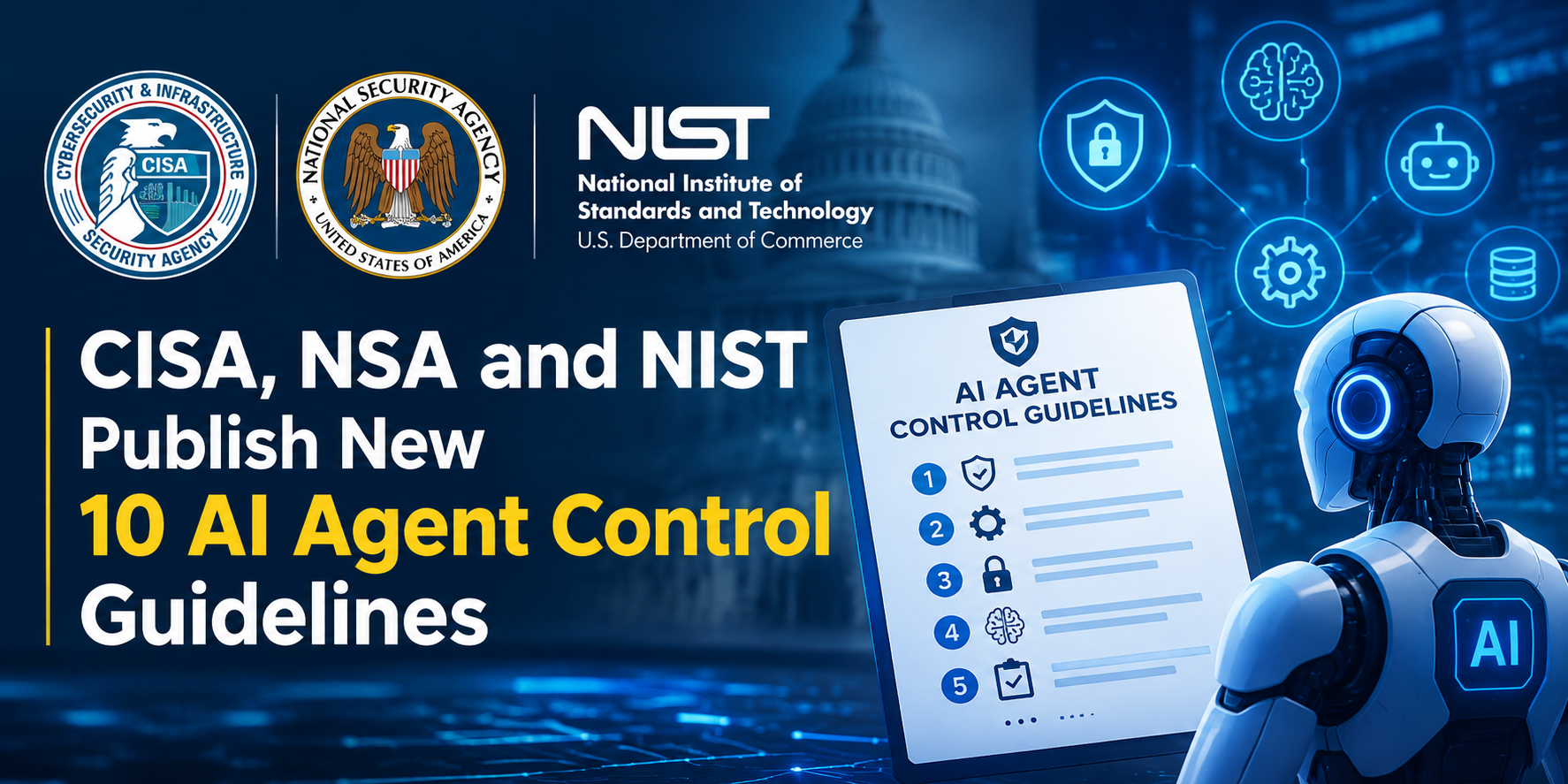
CISA, NSA and NIST Publish New 10 AI Agent Control Guidelines
Claude AI Cracks 25-Year NSA Cryptography Number Mystery in Just 30 Minutes

Bypassing firewalls, AI Agents Accessed Indian ‘ Data Without Permission: CERT-In

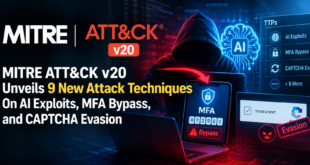
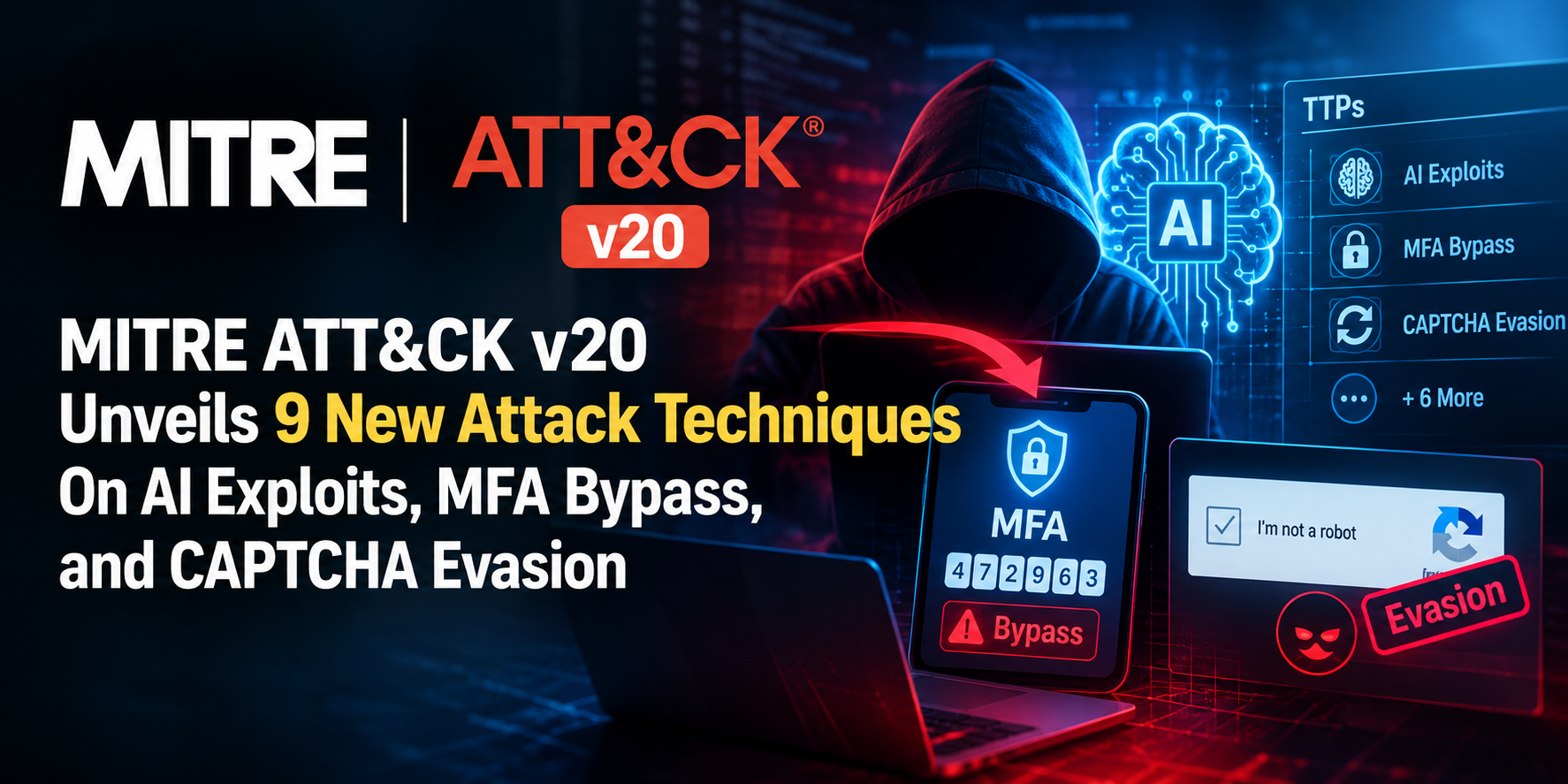
MITRE ATT&CK v20 Unveils 9 New Attack Techniques On AI Exploits, MFA Bypass, and CAPTCHA Evasion
Hackers Exploit Fortinet Flaws to Deploy Stealthy PEERSTITCH Malware on FortiGate Firewalls

Hacker stole Meta GitHub repos; Stole Source Code
Urgent patch! Zoom,NVIDIA and IBM Patch 41 Security flaws

Microsoft patches record braking 1411 flaws; 2 zero days
Anthropic unveils “OSS Scanner” Free AI Vulnerability Scanner for Open-Source Projects
Rise on RCE Exploits Targeting Hikvision Camera Flaw

The tool links to local or online large language models, makes plans for a specific target, runs real security tools, and needs clear approval from the analyst before using sensitive commands.
This “human-in-the-loop” design ensures the AI never runs wild on production systems without a security engineer’s sign-off, addressing a major trust gap in autonomous pentesting tools.
PentesterFlow is made to help with every stage of a pentest: planning, researching, gathering info, checking, tracking coverage, making reports, and learning.
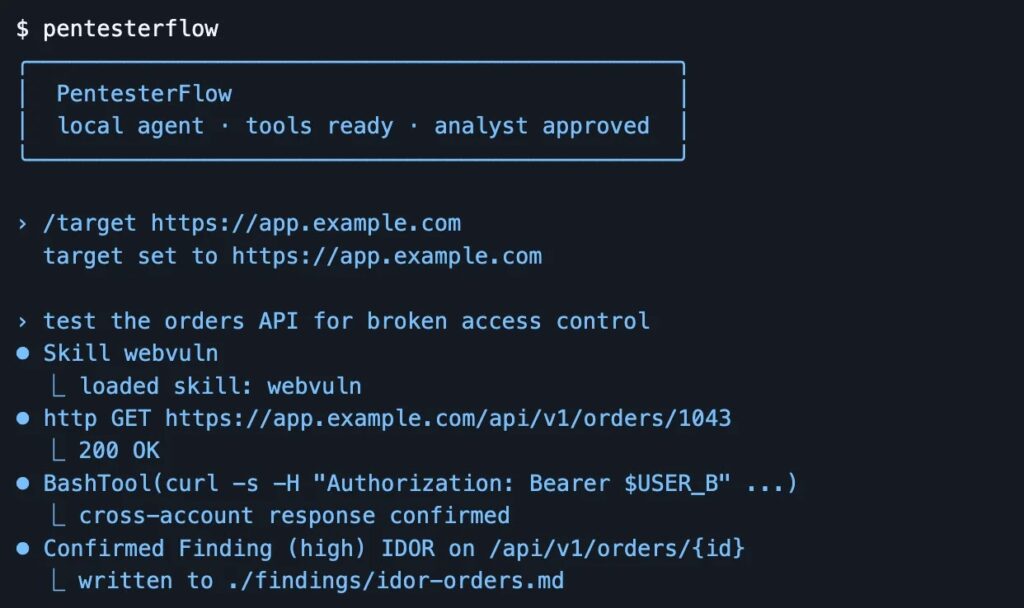
A live demo shows the tool loading a “webvuln” skill, sending HTTP requests to test an orders API, and automatically confirming a high-severity IDOR (Insecure Direct Object Reference) vulnerability, writing evidence-backed findings straight to a Markdown file.
A key part of PentesterFlow is its local Continuous Learning System. This system quietly saves user choices, effective methods, areas that need work, and lessons from mistakes in files that are specific to each project and personal use. This helps make future sessions better without needing to retrain the main model.
Secrets are removed before being saved, and duplicate memories are cleaned up before going to the model. This makes the process easy, even as it gets smarter over time.
PentesterFlow on GitHub makes sure that only the right people can use certain tools. It stops bad shell commands and hides passwords when saving and taking snapshots. It also has a “YOLO mode” that lets actions be approved automatically in safe lab settings.
It connects straight to Burp Suite using a helper tool, allowing testers to send captured traffic to the CLI and bring back confirmed findings as Burp issues for a smoother process between manual and AI-assisted testing.
Installation is easy. Use a shell script for macOS/Linux or a PowerShell command for Windows. It will get the latest binary and check its SHA-256 checksum.
Users can pin specific versions, choose local LLMs like Ollama’s qwen2.5-coder model, or connect to hosted providers such as Gemini and Groq, then set a target URL with a simple /target command before instructing the agent in plain English, such as “test the orders API for broken access control.”
Analysts who work with sensitive targets should remember that PentesterFlow is meant only for approved security tasks. It can run shell commands and make live HTTP requests after getting the right approvals.
Related Post
Anthropic Unveils Claude Security Plugin for Code Flaw Scanning