 InfoSecBulletin Cybersecurity for mankind
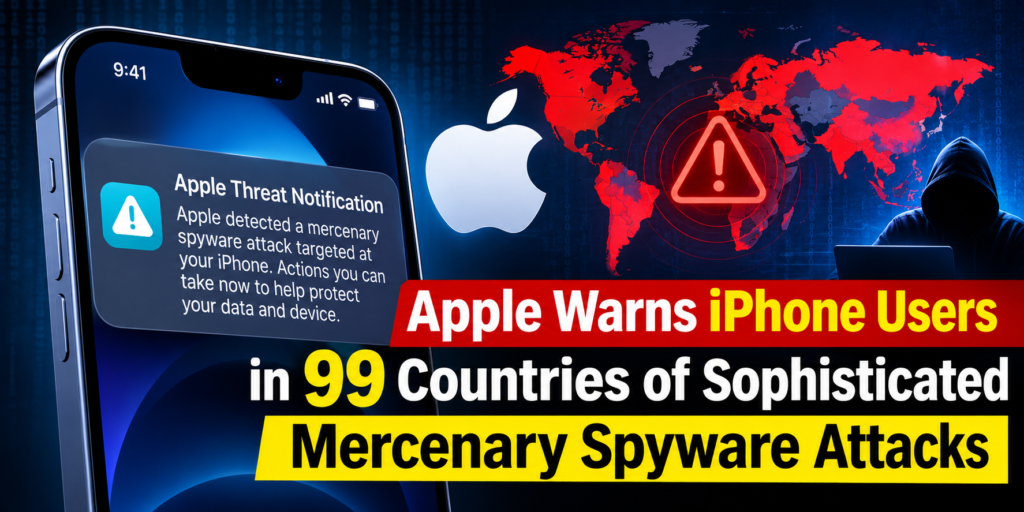
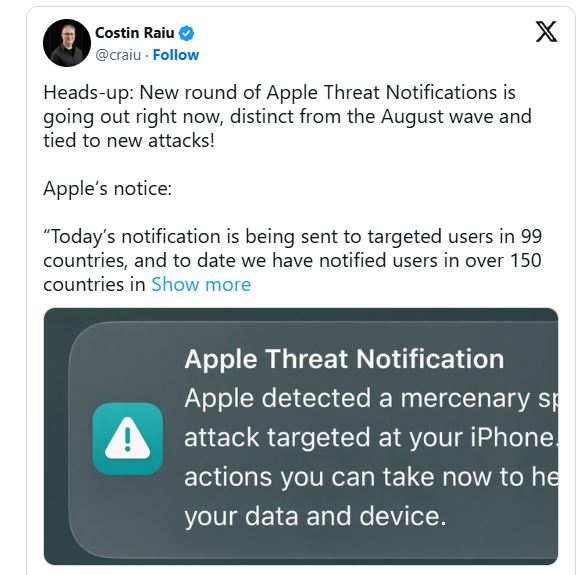
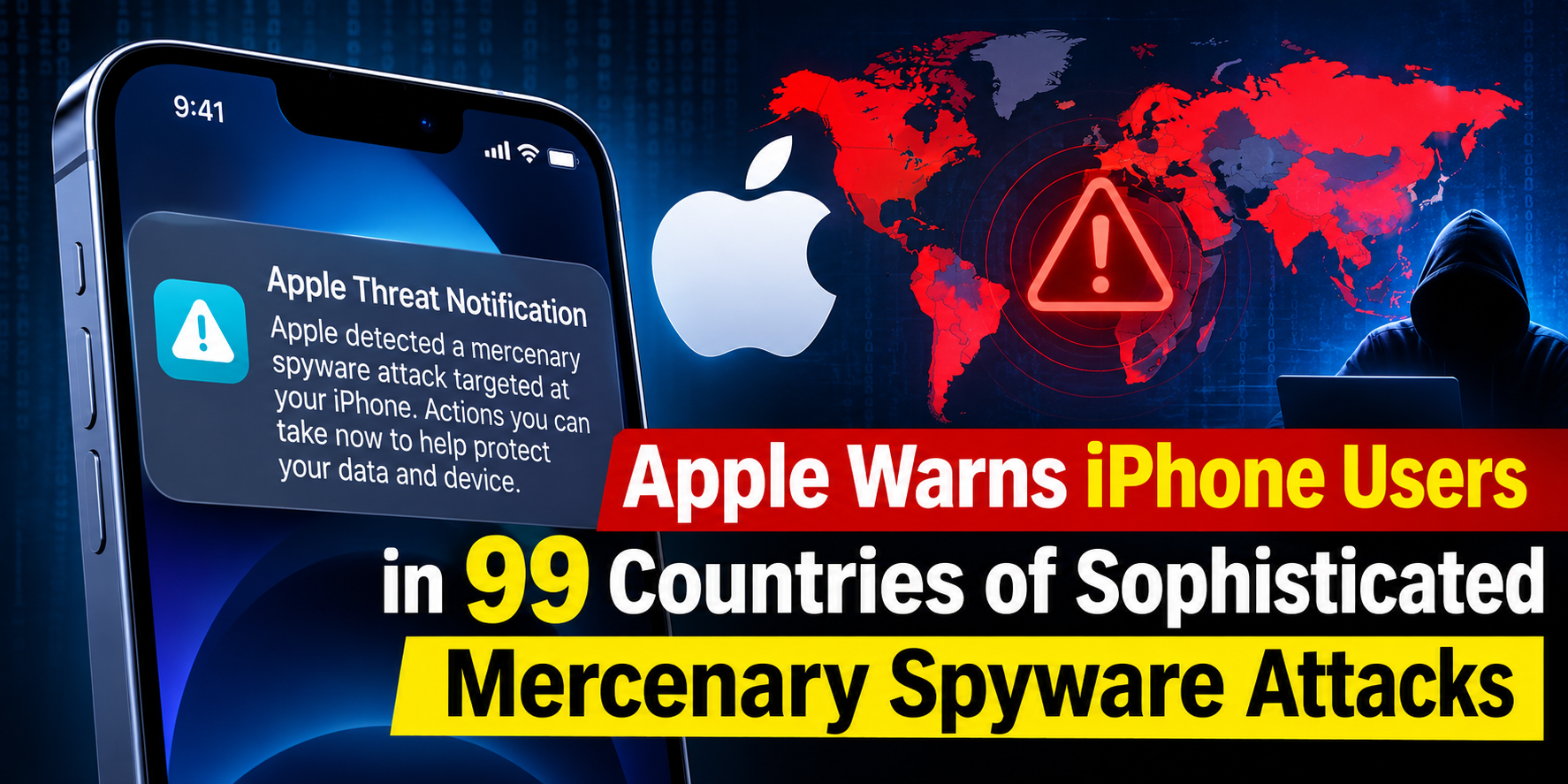
Apple has sent new threat warnings to some iPhone users in 99 countries. They said these users may be targeted by advanced spyware attacks. Security expert Costin Raiu shared this news on October 30, 2026, noting it is different from the alerts in August and related to new attacks.
Apple Warns 99 Countries iPhone Users of Mercenary Spyware Attacks
Daily Cyber security update for 31.10. 2026

NetamLoader malware to attack Win10: Customized for Gov.t in Asia
‘SMS of Death’ Zero-Click Flaw Disrupting Android Phones With a Single Text
NIST Unveiled Guidance for Post-Quantum Cryptography Transition
Daily Cyber security update for 29.10. 2026

Rapid7 Unveils 17 Zimbra Collaboration Suite Flaws Breaking Identity Boundaries
CISA launched two free tools Identify Security Misconfig in Microsoft 365 and Google Workspace
Apple iOS 27.2 Released Fixes 163 Flaws, Including Critical WebKit RCE

CISA adds PHP2Shell to KEV, PHP Releases New Security Updates to Fix Critical HTTP2Shell flaw
“Today’s notification is being sent to targeted users in 99 countries, and to date we have notified users in over 150 countries in total,” Apple said in the notice shared by Raiu. The company did not name the attackers or connect the warnings to any specific region.
The new warnings come after the August spyware alerts that affected 110 countries. These numbers show where the users were when they were notified, not how many were hurt or infected. Apple’s alerts indicate targeted devices with high certainty, but they don’t prove that an attacker took control of every device that was notified.
According to Apple’s threat notification guidance, mercenary spyware operations use exceptional resources to target a small number of people. Attacks can cost millions of dollars and often focus on journalists, activists, politicians, and diplomats because of their work or public role.
These operations focus on specific targets instead of large phishing scams. Apple says they are expensive, complicated, and don’t last long, making them hard to find and stop. The company uses its own threat information for investigations and keeps detection details secret to stop attackers from figuring out how to bypass their systems.
Apple has not said which spyware, delivery method, or software flaw is causing this notification wave. Blaming Pegasus or another commercial spying tool would be going too far without proof. Apple’s advice mentions Pegasus as an example from the past, not as a cause for these attacks.
Apple now sends threat warnings through alerts on the iPhone Lock Screen, in Settings, and via emails tied to the user’s Apple Account. A notification banner shows up after the user logs in to their account. How these messages are sent can change based on the device model and software version.
Recipients need to go to Apple’s account website and look for the banner. Real threat alerts do not ask users to install apps, open files, or share passwords and codes. This step helps tell real warnings from scam messages pretending to be Apple. As mentioned before about Apple’s spyware alerts, recipients should take these warnings seriously and get expert help instead of ignoring them.
Apple suggests using Lockdown Mode for those facing these dangers. Its Lockdown Mode guide says this feature cuts back on message attachments, some web tools, incoming FaceTime calls, and profile setups, lowering the things that attackers might use.
On iPhone, you can find it in Settings, then Privacy & Security, and Lockdown Mode. Apple suggests updating your devices first and turning on protection on supported devices. Some websites and features may work in a different way after that.
Apple tells notified users to contact Access Now’s Digital Security Helpline for help anytime. For others, it is important to have up-to-date software, strong account security, and to be careful with unknown links. Apple states that most users will not encounter mercenary spyware.