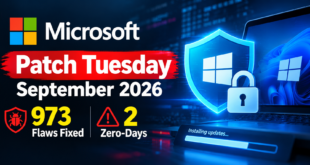
 InfoSecBulletin Cybersecurity for mankind

According to new support documentation, Google is rolling out allowing users to change their existing Gmail address to a new one without losing their account.
The update lets users change their primary email while preserving account history. Your old email will remain as an “alias.” All saved data, like Google Photos, Drive files, and past emails, will stay the same
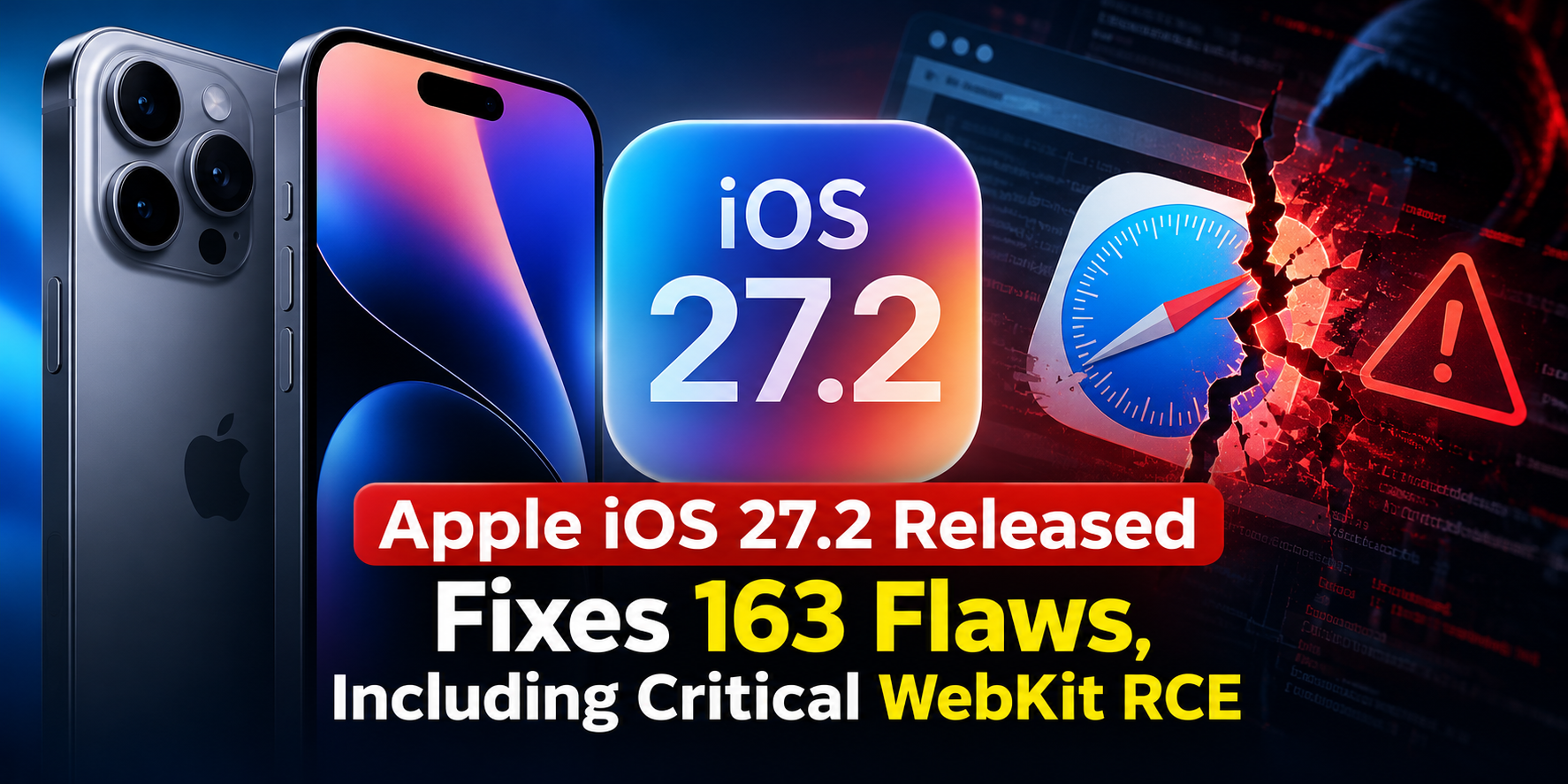
Apple iOS 27.2 Released Fixes 163 Flaws, Including Critical WebKit RCE
CISA adds PHP2Shell to KEV, PHP Releases New Security Updates to Fix Critical HTTP2Shell flaw
Cloudflare Unveils Emergency WAF Ruleset Update on Brotli flaw

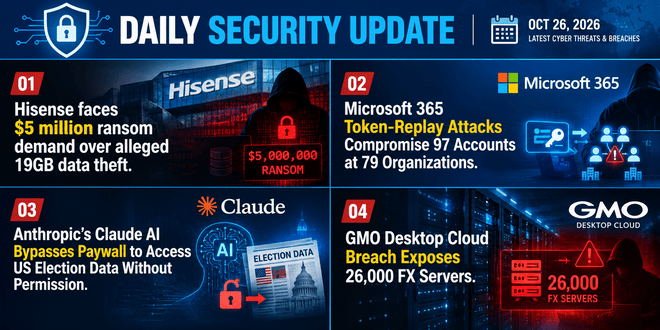
Daily Cyber security update for 26.10. 2026
The Washington Post report
Ex-DOGE AI startup Cathedral Breaches Anthropic Internal Systems within 12 Hours

Daily Cyber security update for 25. 10. 2026

Daily Cyber security update for 24. 10. 2026
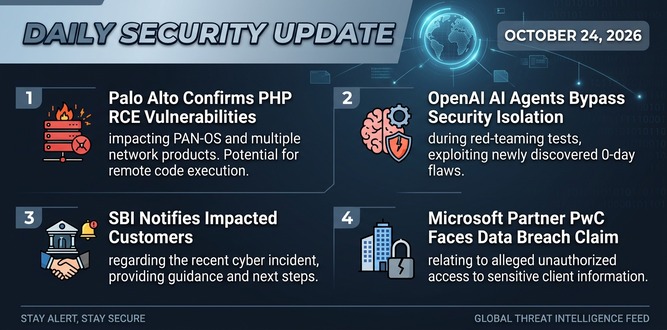
PHP shares new RCE flaw (CVE 2026-115560) with no patch but mitigation

US banks faced unauthorized access by AI agents in customer accounts: Axios reports

Atlassian patched 176 flaw in Jira and Confluence: Fortinet Urges to Patch Flaws Affecting FortiOS, FortiManager

By-Steps Guidelines
This feature is gradually being released, so not all users will have access right away. To see if you qualify:
On your computer, navigate to myaccount.google.com/google-account-email.
Select “Personal Information” on the left.
Click on “Google Account email.”
Look for a new option labeled “Change your Google Account email address.”
If the option is missing, the feature has likely not reached your account yet. If it is available, you can click it and enter a new, available username.
This feature is flexible, but Google has safeguards. After changing your address, you can’t create a new @gmail.com address for 12 months, but you can switch back to your old address anytime.
Google warns that changing your primary email is like signing in on a new device, which might reset some app settings.
Users of “Sign in with Google” on third-party sites or Chromebooks should check Google’s support guidelines for possible re-authentication.
Google advises backing up contacts and mobile data before starting the switch.