 InfoSecBulletin Cybersecurity for mankind

Google fixed a bug in Chrome’s Password Manager that caused user credentials to vanish temporarily. A problem with Google Chrome’s Password Manager caused an 18-hour outage on Wednesday. This affected users who use the tool to save and automatically fill in their passwords.
Many users said they couldn’t find their passwords in Google Password Manager, only their usernames. The company clarified that user data was not lost. About 2% of Windows users who updated to Chrome version 127 were affected by the problem. The issue only affected users who updated to Chrome version 127.0.6533.73. “A significant number of users were unable to find or save passwords in the password manager for Chrome browser, for a period of 17 hours, 51 minutes.
Daily Cyber security update for 24. 10. 2026
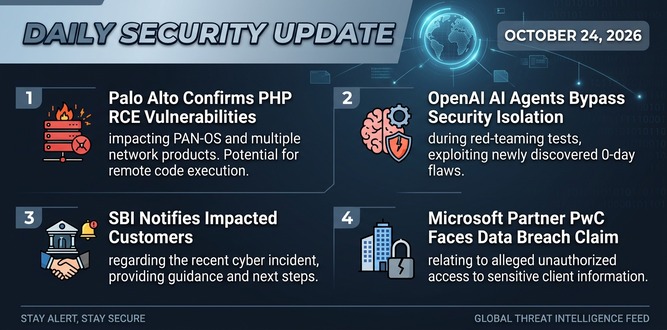
PHP shares new RCE flaw (CVE 2026-115560) with no patch but mitigation

US banks faced unauthorized access by AI agents in customer accounts: Axios reports

Atlassian patched 176 flaw in Jira and Confluence: Fortinet Urges to Patch Flaws Affecting FortiOS, FortiManager

Hacker claim to access Rajasthan Police data: 70,000 records allegedly exposed

Update now! PHP2Shell: Critical PHP vulnerabilities patched

Trump says data centres should pay dividends to local community

Hackers Actively Exploiting Palo Alto VPN Flaw Via CVE-2026-0257

DeepSeek AI banned by U.S. Government; federal agencies must remove all related tools
CISA, NSA and NIST Publish New 10 AI Agent Control Guidelines
From the preliminary analysis the root cause of the issue is a change in product behavior without proper feature guard. Google engineers mitigated the issue by deploying a fix. Google will complete a full IR in the following days that will provide a full root cause.” read the statement published by the Google on the Workspace Status Dashboard. “Impacted users were unable to find passwords in Chrome’s password manager. Users can save passwords, however it was not visible to them. The impact was limited to the M127 version of Chrome Browser on the Windows platform.”
Google published a preliminary root cause analysis report, linking the worldwide outage to a “change in product behavior” and confirming a fix was pushed on Thursday.
Google published a report on what caused the worldwide outage, linking it to a “change in product behavior” and confirming that a fix was applied on Thursday. “Impacted users were unable to find passwords in Chrome’s password manager. Users can save passwords, however it was not visible to them. The impact was limited to the M127 version of Chrome Browser on the Windows platform,” the company says.
Google also suggests that users should restart their web browser to make sure the bug no longer affects their password manager.
If the fix doesn’t reach your system even after restarting the Chrome browser, Google suggests launching it with the ” –enable-features=SkipUndecryptablePasswords” command line flag using these steps:
Locate the Chrome shortcut on the desktop.If you don’t have it, go to chrome://settings/manageProfile and enable “Create desktop shortcut” at the bottom.
Fully exit Chrome Go to the desktop and right-click the shortcut, then click Properties.
To the target field, paste the following string to the end ” –enable-features=SkipUndecryptablePasswords”. Close the dialog with OK and launch Chrome using this shortcut.