 InfoSecBulletin Cybersecurity for mankind

Zoom has issued updates for a flaw in the Windows desktop client, known as CVE-2026-53412. This issue may allow an unauthenticated user to conduct an account takeover via network access. This flaw arises from improper input validation and may enable unauthenticated attackers to execute account takeover attacks via network access. This vulnerability is noted in the Zoom Security Bulletin (ZSB-26014). It has a CVSS score of 9.8, which shows it is very risky.
The flaw impacts Zoom Workplace for Windows versions before 7.0.0 and Zoom Workplace VDI Client for Windows versions before 7.0.10, 6.6.15, and 6.5.18 in their supported release branches.
MITRE ATT&CK v20 Unveils 9 New Attack Techniques On AI Exploits, MFA Bypass, and CAPTCHA Evasion

Hackers Exploit Fortinet Flaws to Deploy Stealthy PEERSTITCH Malware on FortiGate Firewalls

Hacker stole Meta GitHub repos; Stole Source Code

Urgent patch! Zoom,NVIDIA and IBM Patch 41 Security flaws

Microsoft patches record braking 1411 flaws; 2 zero days
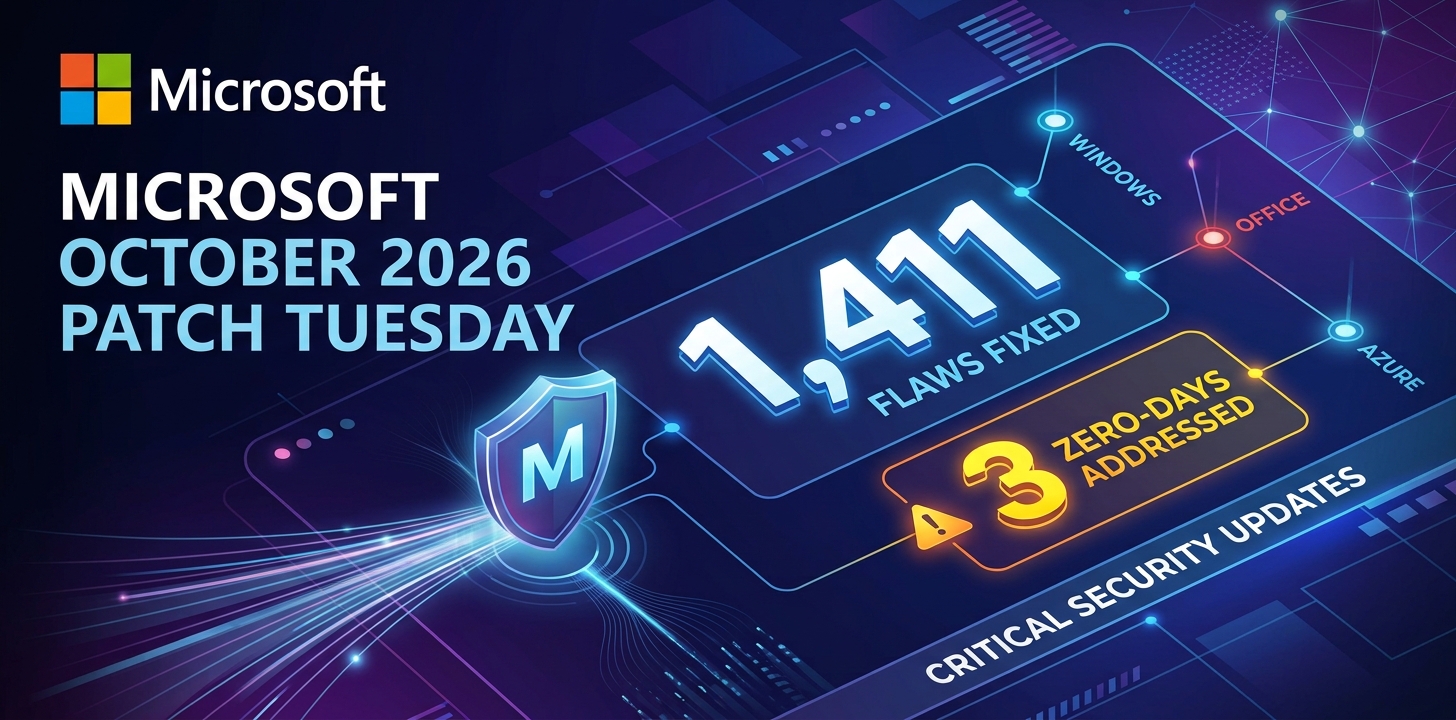
Anthropic unveils “OSS Scanner” Free AI Vulnerability Scanner for Open-Source Projects

Rise on RCE Exploits Targeting Hikvision Camera Flaw

FortiBleed Attack Compromised 80,000+ Devices, SonicWall Patches 4 SMA1000 Flaws CVSS 10

Critical Atlassian & IBM Flaws Expose Files and Enable Remote Code Execution

Citrix NetScaler SAML 0-Day Flaw Under Attack

Zoom Desktop Client for Windows Flaw
According to Zoom, the issue is due to insufficient input validation. The company has not given details about the method used, but the warning says that an unauthorized remote attacker could use this weakness to take over an account.
This creates a big risk for companies that use Zoom at work, especially if Windows devices are connected to unsafe networks or are not properly separated.
A successful account takeover could let a hacker see private meeting details, pretend to be users, change account settings, or lead to more social engineering attacks using real Zoom meetings.
This flaw can be used from a distance without the victim needing to click on a link or open a harmful file, so organizations should fix it right away.
Zoom praised its Offensive Security team for finding the flaw. The first advisory came out on July 14, 2026, and was updated on July 15, 2026. In the update, Zoom removed the Zoom Meeting SDK for Windows from the list of affected products.
Organizations should quickly find systems that use weak versions of Zoom Workplace and Zoom VDI Client, then upgrade them with the latest packages from Zoom’s official download site.
Security teams need to check the versions in use with management tools. They should focus on devices used by admins, executives, support staff, and people who attend private meetings.
Administrators should watch for unusual activity in Zoom accounts, unexpected changes in sessions, unauthorized changes in settings, and strange login behavior after a patch is put in place.