 InfoSecBulletin Cybersecurity for mankind
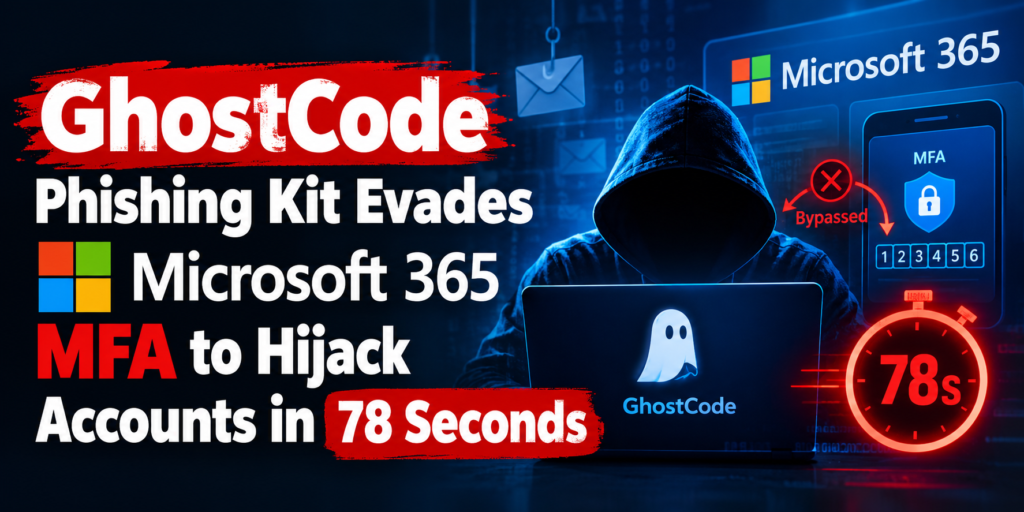
GhostCode is a new phishing kit that changes a regular Microsoft 365 sign-in into an account theft. It doesn’t need to hack a password. Instead, it tricks people into letting criminals into their work accounts.
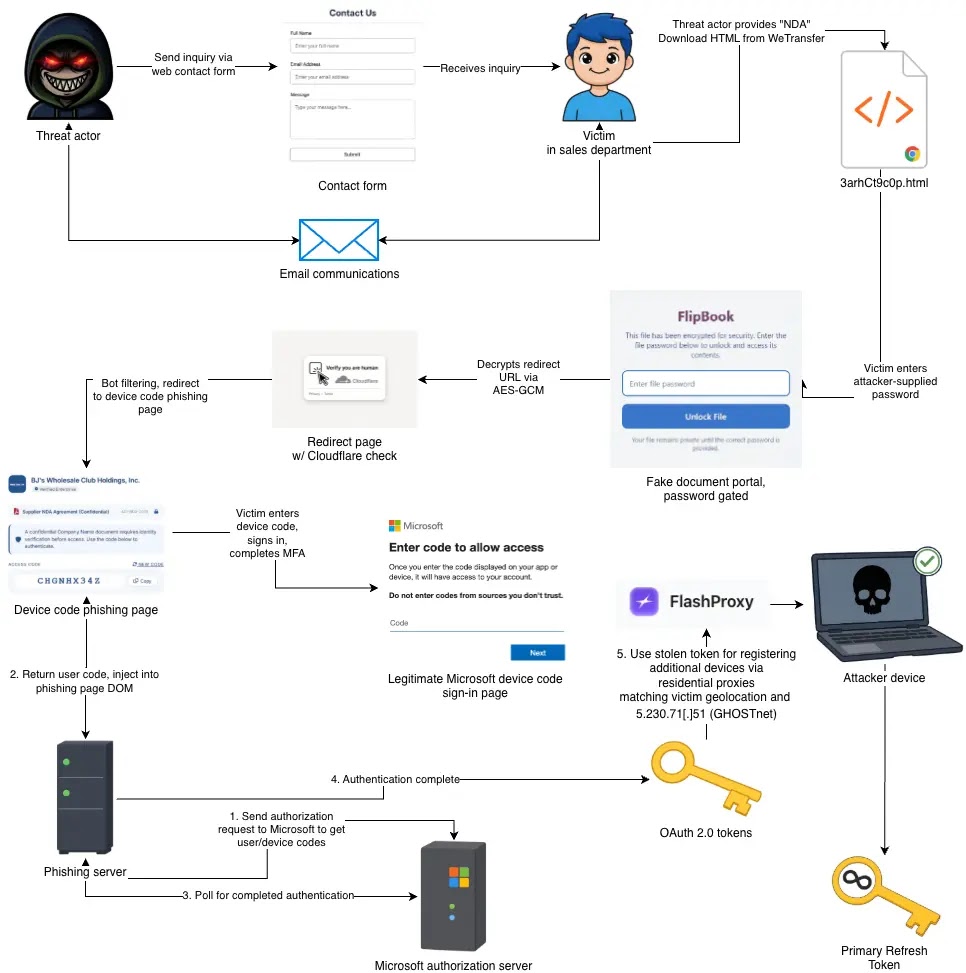
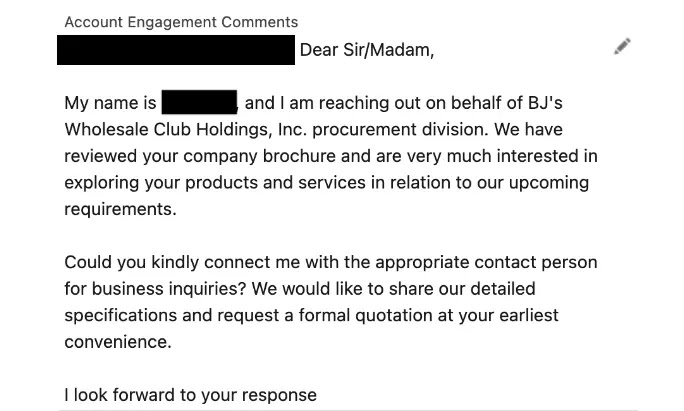
The campaign started with normal messages sent through business contact forms. Attackers pretended to be procurement staff, asked to sign a non-disclosure agreement, and then sent a WeTransfer link with a password-protected HTML file.
‘SMS of Death’ Zero-Click Flaw Disrupting Android Phones With a Single Text
NIST Unveiled Guidance for Post-Quantum Cryptography Transition
Daily Cyber security update for 29.10. 2026

Rapid7 Unveils 17 Zimbra Collaboration Suite Flaws Breaking Identity Boundaries
CISA launched two free tools Identify Security Misconfig in Microsoft 365 and Google Workspace
Apple iOS 27.2 Released Fixes 163 Flaws, Including Critical WebKit RCE

CISA adds PHP2Shell to KEV, PHP Releases New Security Updates to Fix Critical HTTP2Shell flaw
Cloudflare Unveils Emergency WAF Ruleset Update on Brotli flaw

Daily Cyber security update for 26.10. 2026
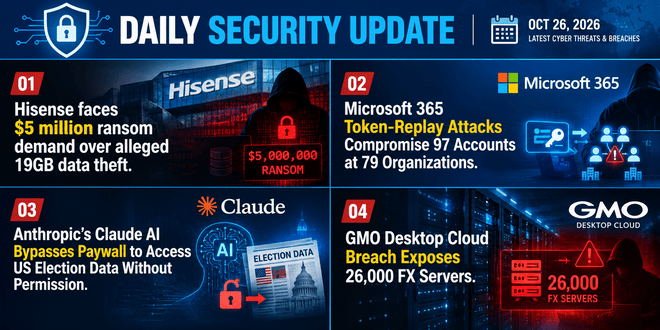
The Washington Post report
Ex-DOGE AI startup Cathedral Breaches Anthropic Internal Systems within 12 Hours

The file showed a way to share documents and told the person to sign in with a Microsoft device code. eSentire’s analysts found this activity in late August and called the kit GhostCode. The name comes from its secret code and the GHOSTnet system used during device setup.
The danger is real because the victim logs in, using multi-factor authentication, on a real Microsoft page.
GhostCode then gets the token, tricks the victim with a fake NDA, and starts working before the victim notices something is wrong. This case shows why phishing attacks using device codes are hard to detect with usual password theft signs.
The campaign shows that trust in a known identity page, not a technical issue, can help attackers. For organizations that rely on the cloud, this difference makes a normal approval request a big security problem. It can happen before investigators see the first alert.
GhostCode Phishing Kit Bypasses Microsoft 365 MFA
GhostCode abuses the OAuth device authorization process, which is intended for devices such as smart televisions that cannot easily display a full sign-in screen.
Its server asks for a code with the Microsoft Authentication Broker app ID, puts that code into a fake document portal, and tells the target to approve it. The user is really giving permission to the attacker’s device.
The attachment makes it hard to inspect. It is filled with extra data, hides the visible text with HTML comments, and keeps its redirect address secret until you enter the right password.
After the victim visits the phishing server, a browser test and location checks filter out automated scanners. This method is similar to what was seen in the EvilTokens phishing service, but GhostCode mixes it with targeted contact-form outreach.
Once the sign-in gets approved, the kit uses home proxy addresses picked to match where the victim is. This makes the Microsoft prompt less shocking and can lower alerts based on the location.
Attackers made nine successful API calls, registered three devices in 78 seconds, and got a Primary Refresh Token in 32 seconds. This token lets users sign in to Microsoft 365 services without re-authenticating.
Organizations should use device rules when needed. This lowers the chance that workers will be fooled by the same tricks used in passkey phishing scams.
Security teams need to warn about successful device-code events that are followed by strange scripted requests or multiple device registrations from one session. They should also look for device names that match a first name, last name, company domain, and hexadecimal pattern.
User awareness is still key: an unexpected ask to copy a code into a Microsoft page should be seen as suspicious, especially since Microsoft 365 session theft campaigns are now targeting tokens more than passwords.