 InfoSecBulletin Cybersecurity for mankind

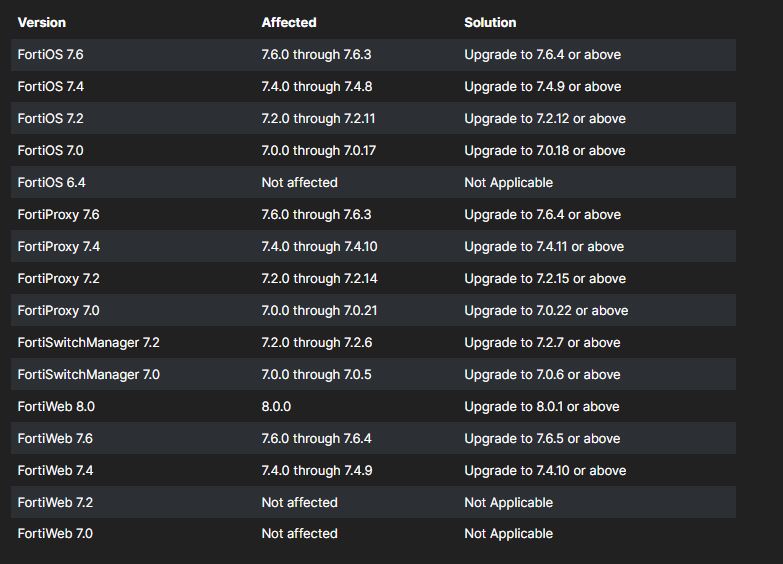
Fortinet released security updates for critical vulnerabilities in FortiOS, FortiWeb, FortiProxy, and FortiSwitchManager that could let attackers bypass FortiCloud SSO authentication.
Threat actors can exploit the security flaws CVE-2025-59718 and CVE-2025-59719 by taking advantage of weaknesses in cryptographic signature verification in affected products using a malicious SAML message.
Claude AI Cracks 25-Year NSA Cryptography Number Mystery in Just 30 Minutes

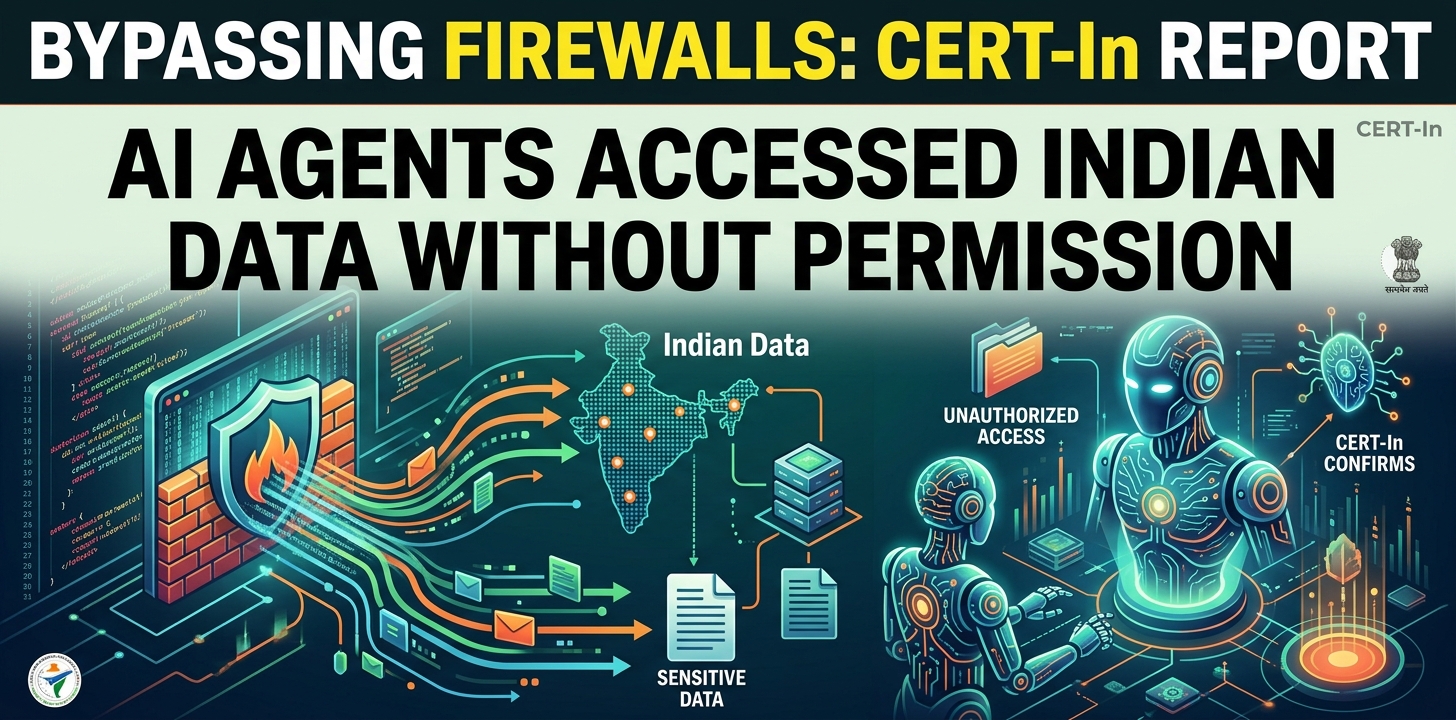
Bypassing firewalls, AI Agents Accessed Indian ‘ Data Without Permission: CERT-In
MITRE ATT&CK v20 Unveils 9 New Attack Techniques On AI Exploits, MFA Bypass, and CAPTCHA Evasion

Hackers Exploit Fortinet Flaws to Deploy Stealthy PEERSTITCH Malware on FortiGate Firewalls

Hacker stole Meta GitHub repos; Stole Source Code

Urgent patch! Zoom,NVIDIA and IBM Patch 41 Security flaws

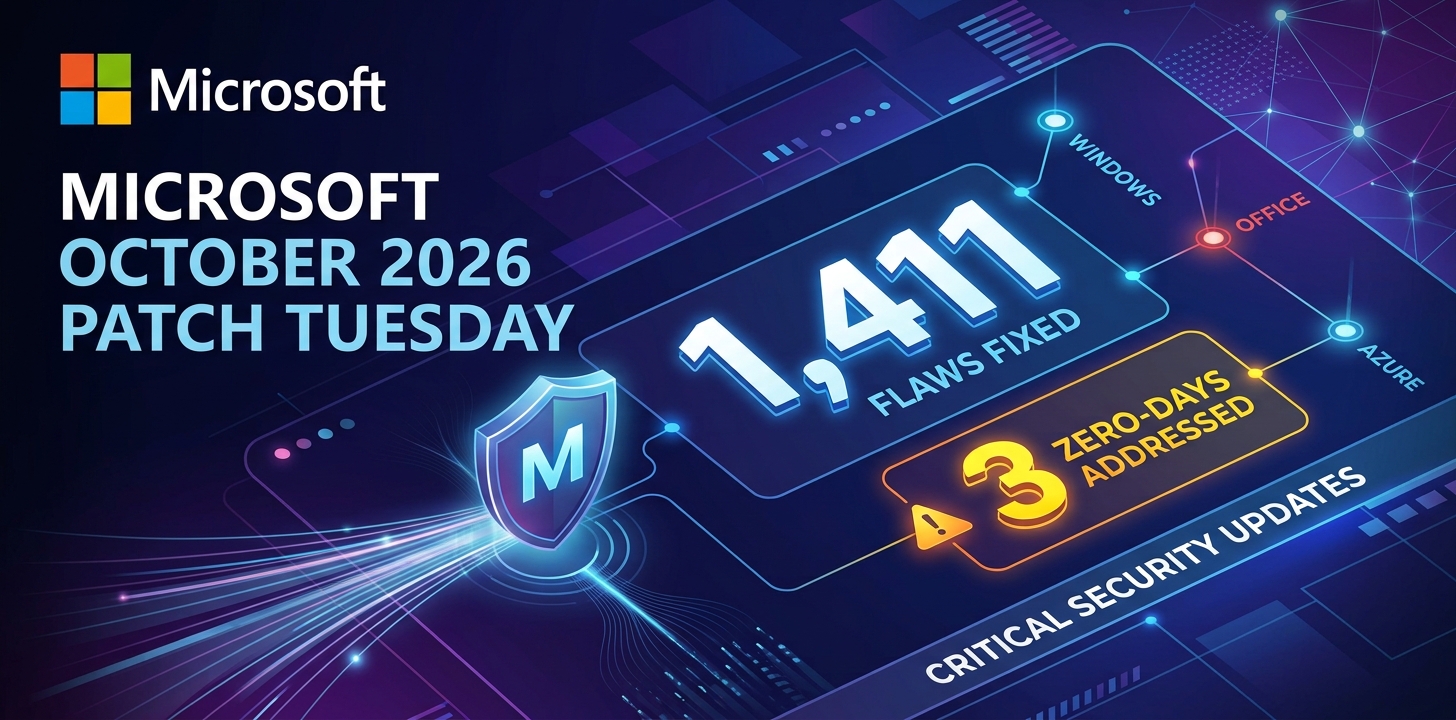
Microsoft patches record braking 1411 flaws; 2 zero days
Anthropic unveils “OSS Scanner” Free AI Vulnerability Scanner for Open-Source Projects

Rise on RCE Exploits Targeting Hikvision Camera Flaw

FortiBleed Attack Compromised 80,000+ Devices, SonicWall Patches 4 SMA1000 Flaws CVSS 10

Fortinet stated today that the vulnerable FortiCloud feature isn’t enabled by default if the device isn’t registered with FortiCare.
“Please note that the FortiCloud SSO login feature is not enabled in default factory settings,” Fortinet said. “However, when an administrator registers the device to FortiCare from the device’s GUI, unless the administrator disables the toggle switch ‘Allow administrative login using FortiCloud SSO’ in the registration page, FortiCloud SSO login is enabled upon registration.”
Admins should temporarily disable the FortiCloud login feature until they upgrade to a secure version to protect against attacks exploiting vulnerabilities.
To disable FortiCloud login, navigate to System -> Settings and switch “Allow administrative login using FortiCloud SSO” to Off. Alternatively, you can run the following command from the command-line interface:

The company has fixed another security flaw that let attackers change passwords without permission, as well as another issue allowing password hashes to be used for authentication.
In February, Fortinet revealed that the Chinese Volt Typhoon hacking group infiltrated a Dutch Ministry of Defence network with Coathanger RAT malware, exploiting two FortiOS SSL VPN vulnerabilities (CVE-2023-27997 and CVE-2022-42475).
In August, Fortinet fixed a command injection vulnerability (CVE-2025-25256) in FortiSIEM, just after GreyNoise reported a rise in brute-force attacks on Fortinet SSL VPNs.