 InfoSecBulletin Cybersecurity for mankind

You copy a password from your manager, thinking it’s safe. Meanwhile, your phone is saving it in plain text. Samsung says, so far, there is no solution.
Imagine you just copied a password or banking logins from a password manager. Then you think, “Wait, does this go away after I paste it?”
Daily Cyber security update for 25. 10. 2026

Daily Cyber security update for 24. 10. 2026

PHP shares new RCE flaw (CVE 2026-115560) with no patch but mitigation

US banks faced unauthorized access by AI agents in customer accounts: Axios reports

Atlassian patched 176 flaw in Jira and Confluence: Fortinet Urges to Patch Flaws Affecting FortiOS, FortiManager

Hacker claim to access Rajasthan Police data: 70,000 records allegedly exposed
Update now! PHP2Shell: Critical PHP vulnerabilities patched

Trump says data centres should pay dividends to local community

Hackers Actively Exploiting Palo Alto VPN Flaw Via CVE-2026-0257

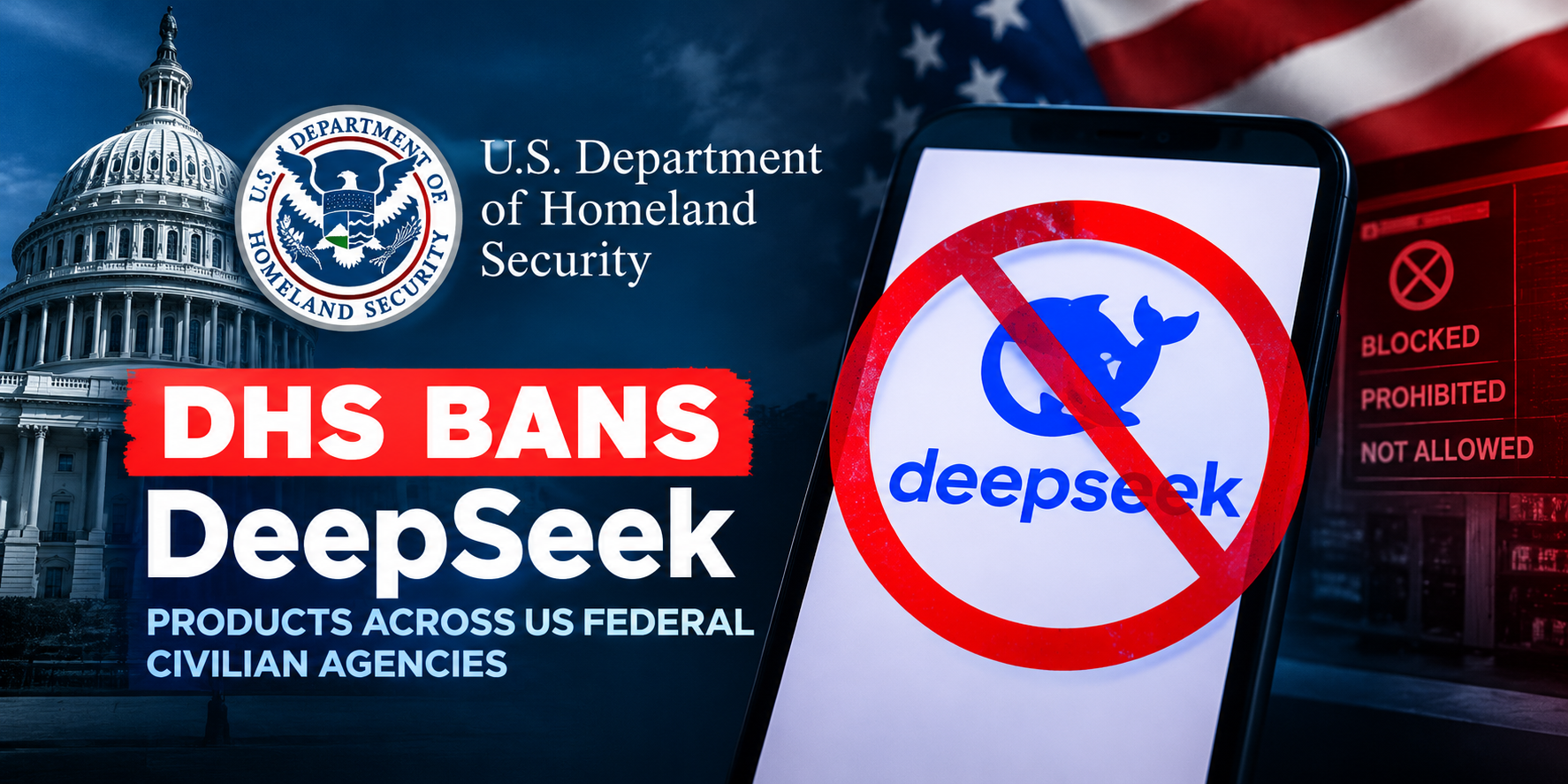
DeepSeek AI banned by U.S. Government; federal agencies must remove all related tools
Turns out, it doesn’t. The password you copied just sits there on your clipboard in plain text. Indefinitely.
“I copy passwords from my password manager all the time,” a user wrote on the US Samsung Community board.
“They’re long and complex… How is it that Samsung’s clipboard saves everything in plain text with no expiration? That’s a huge security issue.”
And the user is not wrong.
Samsung’s clipboard, baked deep into its One UI system, is a user interface developed by Samsung Electronics for its smart devices running Android 9 and later.
Clipboard logs everything you copy – passwords, bank info, private messages, that embarrassing breakup paragraph you never sent.
It doesn’t matter if you use Gboard, which is known to delete the clipboard within an hour, or a third-party keyboard – the history of your copy/pastes is still saved under Samsung’s jurisdiction. There’s no option to auto-delete it.
“There should at least be an option to auto-delete clipboard history after a few hours,” the user added.
“Right now, the only option is to manually go in and delete sensitive stuff… That’s wild,” the user complained
Samsung’s response:
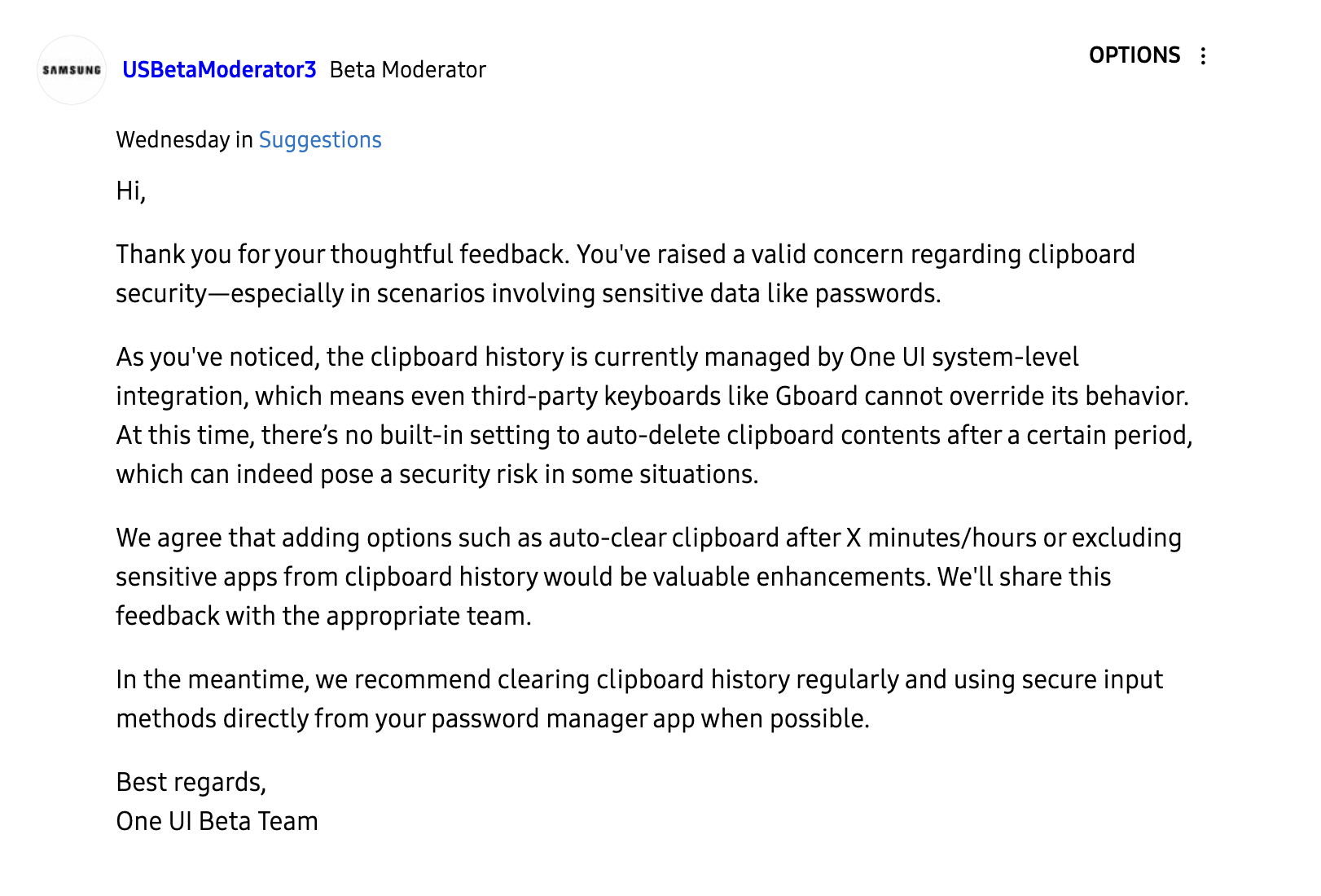
“You’ve raised a valid concern… There’s no built-in setting to auto-delete clipboard contents after a certain period, which can indeed pose a security risk,” responded a Samsung moderator on the community board.
“We agree that adding options such as auto-clear clipboard after X minutes/hours or excluding sensitive apps from clipboard history would be valuable enhancements,” the moderator said. They promised to forward the feedback “to the appropriate team.”
For the time being, their best advice is to delete your clipboard manually and “use secure input methods directly from your password manager.”
Why does it actually matter?
If someone picks up your unlocked phone and checks the clipboard, it’s all there waiting. Or worse, an info-stealing malware is constantly lurking, ready to siphon data straight from your clipboard
Clipboards are a goldmine for hackers. Malicious software like StilachiRAT literally exists to monitor clipboards, hunting for passwords, crypto wallet keys, and any sensitive text it can quietly steal.
Recently, attackers infiltrated European military networks, using the Remote Desktop Protocol to access clipboard data from infected systems.
They weren’t guessing passwords, they were watching people copy and paste them.
If state-sponsored cybercriminals are lurking in your clipboard, maybe it’s time we took it a little more seriously.
Even some apps, like TikTok, have been caught quietly reading clipboard data in the background.
Clipboard tech hasn’t kept up with the sensitivity of what we’re pasting. It’s holding passwords, two-factor codes, crypto addresses, and private URLs – all stored in plain text.
Source: Cybernews