 InfoSecBulletin Cybersecurity for mankind

Recent incidents continue to bring this into focus with active exploitations of known vulnerabilities as investigations by Fortinet have discovered a post exploitation technique used by a threat actor.
During the investigation, a threat actor was observed using known vulnerabilities (e.g. FG-IR-22-398, FG-IR-23-097, FG-IR-24-015) to gain access to Fortinet devices. The targeting of known, unpatched vulnerabilities by a threat actor is not new and has been previously examined; this specific finding is the result of a threat actor taking advantage of a known vulnerability with a new technique to maintain read-only access to vulnerable FortiGate devices after the original access vector was locked down.
US banks faced unauthorized access by AI agents in customer accounts: Axios reports

Atlassian patched 176 flaw in Jira and Confluence: Fortinet Urges to Patch Flaws Affecting FortiOS, FortiManager

Hacker claim to access Rajasthan Police data: 70,000 records allegedly exposed
Update now! PHP2Shell: Critical PHP vulnerabilities patched

Trump says data centres should pay dividends to local community

Hackers Actively Exploiting Palo Alto VPN Flaw Via CVE-2026-0257

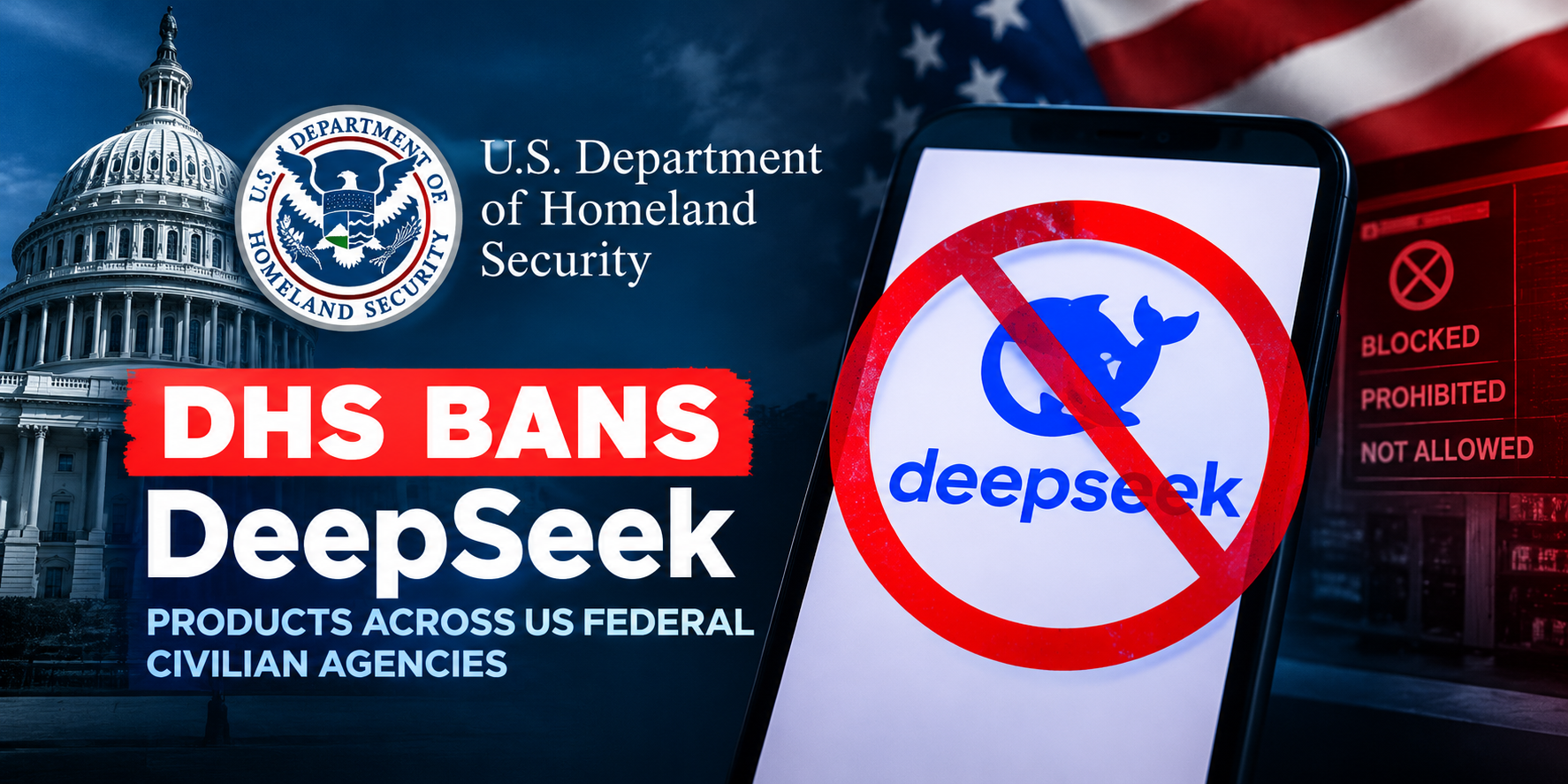
DeepSeek AI banned by U.S. Government; federal agencies must remove all related tools
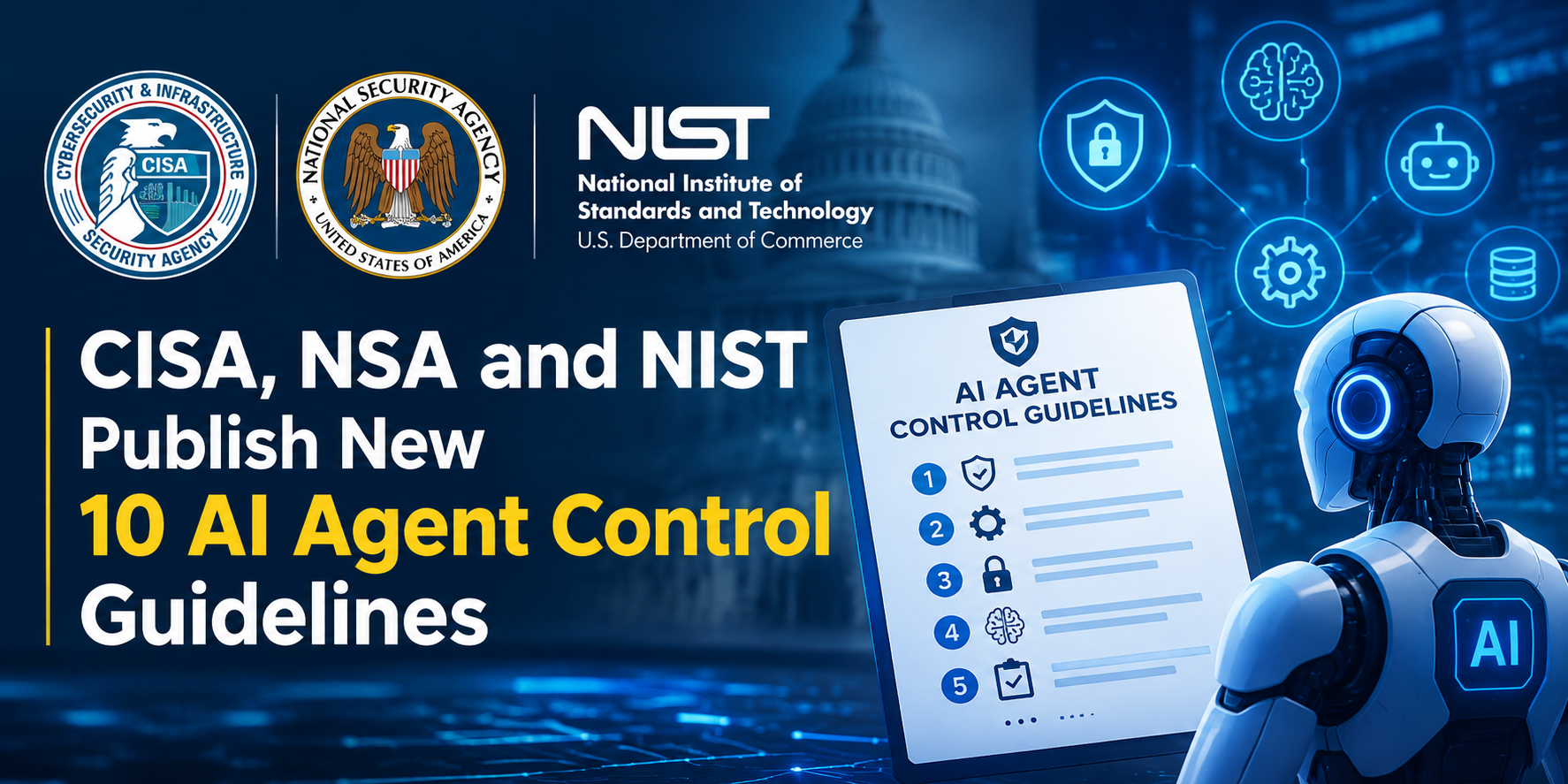
CISA, NSA and NIST Publish New 10 AI Agent Control Guidelines
Claude AI Cracks 25-Year NSA Cryptography Number Mystery in Just 30 Minutes

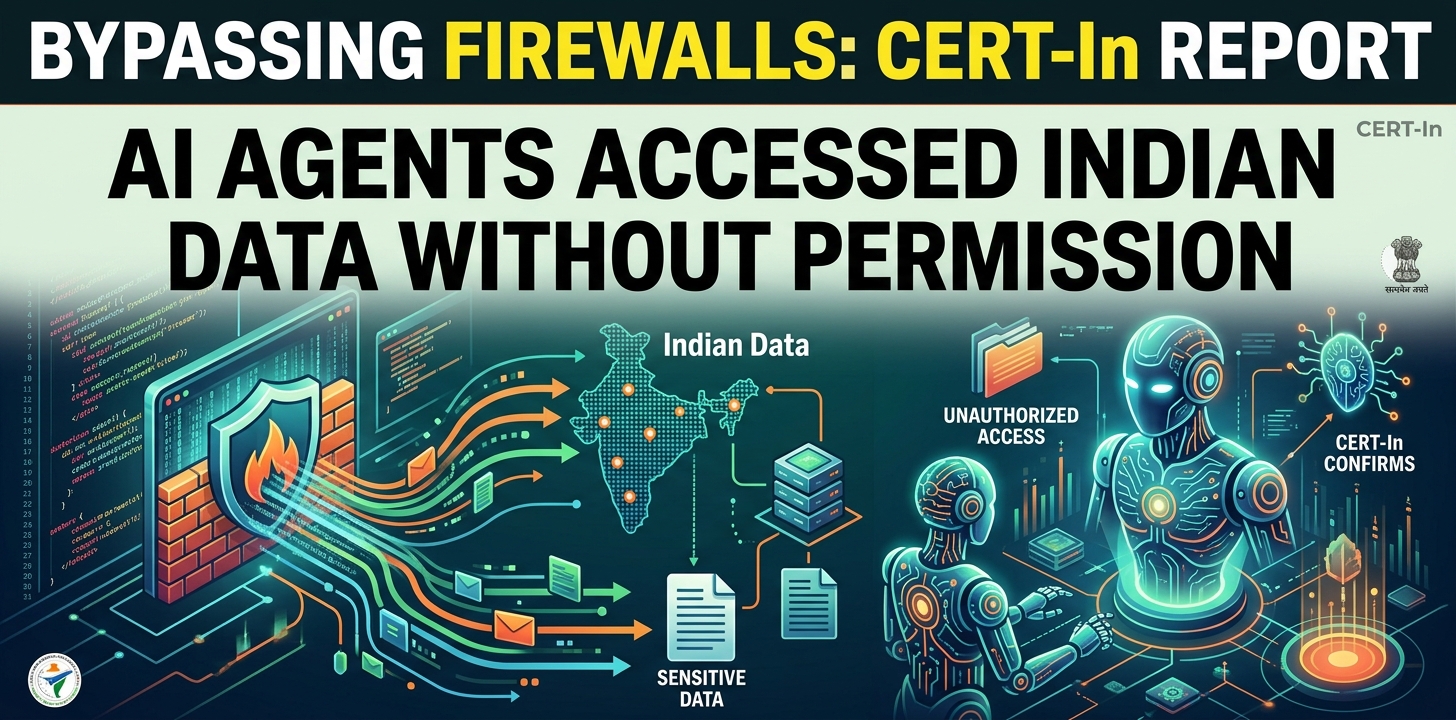
Bypassing firewalls, AI Agents Accessed Indian ‘ Data Without Permission: CERT-In
Immediately upon discovery, Fortinet developed necessary mitigations and have communicated with affected customers to ensure the steps to remediate the issue.
What happens?
A threat actor used a known vulnerability to implement read-only access to vulnerable FortiGate devices. This was achieved via creating a symbolic link connecting the user filesystem and the root filesystem in a folder used to serve language files for the SSL-VPN. This modification took place in the user filesystem and avoided detection. Therefore, even if the customer device was updated with FortiOS versions that addressed the original vulnerabilities, this symbolic link may have been left behind, allowing the threat actor to maintain read-only access to files on the device’s file system, which may include configurations.
Notably, if the customer has never had SSL-VPN enabled, then the customer is not impacted by this issue.
As part of investigation, Fortinet performed scans to identify impacted devices using internal telemetry and in collaboration with third party organizations. The data indicates that this threat actor activity was not targeted to a specific region or industry.
Mitigation:
Fortinet identified a new technique used by the threat actor and took action to address it while considering different levels of cyber hygiene and customer challenges. Their mitigation efforts included:
An AV/IPS signature was created to detect and clean this symbolic link from impacted devices.
Changes were made to the latest releases to detect and remove the symbolic link and ensure the SSL-VPN only serves the expected files.
Proactive communications urging customers to update their devices, carefully balancing our communications to protect against further inadvertent compromise while delivering on our commitment to responsible transparency.
Specific to the findings Fortinet released multiple FortiOS mitigations, including:
FortiOS 7.4, 7.2, 7.0, 6.4: The symbolic link was flagged as malicious by the AV/IPS engine so that it would be automatically removed if the engine was licensed and enabled.
FortiOS 7.6.2, 7.4.7, 7.2.11 & 7.0.17, 6.4.16: Upgrading to this release will remove the malicious symbolic link.
FortiOS 7.6.2, 7.4.7, 7.2.11 & 7.0.17, 6.4.16: The SSL-VPN UI has been modified to prevent the serving of such malicious symbolic links.

Apart from, Fortinet communicated directly with customers identified as impacted by this issue based on the available telemetry and recommended the following steps:
Upgrade all devices to 7.6.2, 7.4.7, 7.2.11 & 7.0.17 or 6.4.16.
Review the configuration of all devices.
Treat all configurations as potentially compromised and follow the recommended steps below to recover:
https://community.fortinet.com/t5/FortiGate/Technical-Tip-Recommended-steps-to-execute-in-case-of-a/ta-p/230694.
Bangladesh Revenue Market For Data Center Is Projected US$615.59m in 2025