 InfoSecBulletin Cybersecurity for mankind
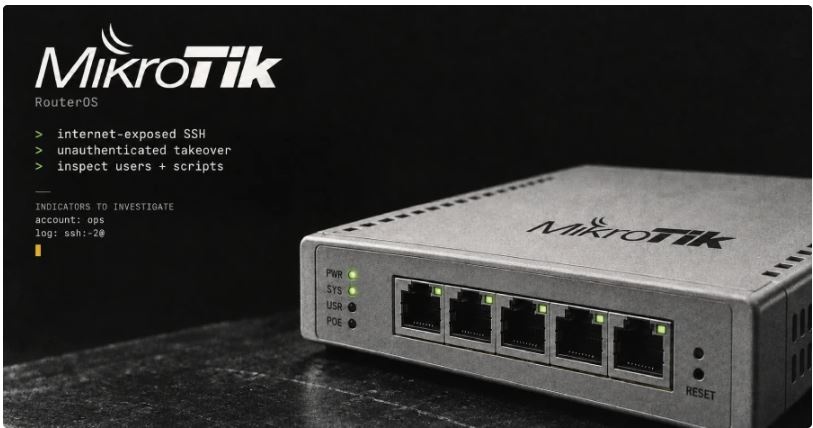
Attackers are misusing MikroTik routers through their Secure Shell (SSH) service, which can be accessed from the internet, to take full control without logging in, as per CERT Polska’s warning released on September 5.
Successful attacks started on at least September 2. The Hacker News review on September 6 found no number of victims or who the attacker was. MikroTik’s security update shows updated RouterOS versions. CERT says these updates stop the attacks seen and suggests installing them right away, then checking for any changes in the setup.
OpenAI AI Pipeline Discovers 948 Linux Kernel Privilege Escalation Flaws in 30 Hours

Bangladeshi Researcher Rasel Earns First Apple CVE Recognition for Model I/O Flaw

WinRAR, WordPress RCE flaw & Zyxel GS1900 Zero-Day exploited in the wild

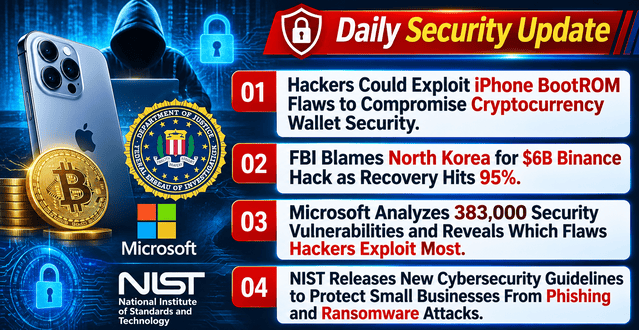
Daily Cyber security update for 04.11. 2026
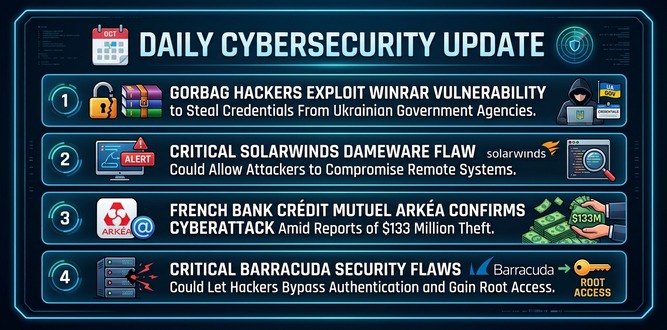
Daily Cyber security update for 03.11. 2026
Using ARTEX AI, Hacker to attack 200 Organizations Across 14 Countries

Amadeus cyber incident impacted “Cathay Pacific, Qantas, Japan, Malaysia, Korean & Asiana” Airlines

Multiple European supermarket fridges got hacked: Temperatures reached high as 55°C

Apple Warns 99 Countries iPhone Users of Mercenary Spyware Attacks
Daily Cyber security update for 31.10. 2026

Home MikroTik devices block public access to management ports. Their default firewall rules stay the same, according to the vendor’s explanation.
| Affected range reported by CERT | Initial security fix | Update guidance |
|---|---|---|
| From 6.0.0 below 6.49.21 | 6.49.21 | RouterOS 6 security release |
| From 7.0.0 below 7.23.4 | 7.23.4 | Use 7.23.5 on the long-term channel |
| From 7.24 below 7.24.2 | 7.24.2 | Stable channel security release |
| No development range listed in CERT’s disclosure | 7.25beta3 | Development channel fix |
The 7.23.5 fix solves an IPv6 DHCP problem that came with 7.23.4 and keeps the security update. Until the fix is installed, CERT suggests turning off open services or limiting access to trusted networks, especially for SSH, WWW/WWW-SSL, and bandwidth-test.
It warns not to start Transport Layer Security (TLS) connections or use RouterOS’s built-in SSH clients from a device that is not updated. These temporary rules address a wider range of issues and do not replace the update.
MikroTik’s Flagged status guidance says that RouterOS marks a device when it finds a strange setup during start checks. RouterOS turns off those settings and limits some functions.
After updating, look at the logs and run /system/device-mode/print to check the status. Even without a warning, check the settings for unknown users, scripts, and other changes that are not recognized.
CERT also highlights unusual high-level operation accounts and account creation logs that include ssh:-2@ as clues for investigation.
If the warning, logs, or configuration suggest compromise, CERT recommends these recovery steps. Do not clear Flagged before preserving the evidence and completing the analysis.
Isolate the router from the network and preserve its logs and configuration before resetting it. CERT’s preservation guide in Polish explains how to export and download the files.
Restore factory settings and rebuild using a trusted, verified configuration. Do not blindly restore a full backup from the potentially compromised device.
Change passwords, keys and other secrets in use.
CERT calls the reported 2-flaw combination MikroTrick. The Hacker News compared CERT’s warning and vulnerability disclosure on September 6. Neither explicitly identifies which 2 vulnerabilities form the observed chain or explains how they combine to give administrative control.
The 7.25beta3 release notes have a September 2 changelog date, while the beta and other initial fixes were announced on September 3. The Hacker News compared these release announcements with CERT’s attack timeline on September 6. Those dates do not establish whether a fix was publicly available before the attacks, so zero-day status remains unverified.