 InfoSecBulletin Cybersecurity for mankind
Google has launched an important security update for the Chrome browser. It fixes 30 security issues. This update makes the browser version 147.0.7727.137/138 for Windows and Mac, and 147.0.7727.137 for Linux. It will be available to users worldwide in the next few days and weeks.
This patch cycle is particularly noteworthy for the high volume of “Critical” and “High” severity vulnerabilities resolved, many of which involve memory safety issues that could lead to remote code execution.
CISA, NSA and NIST Publish New 10 AI Agent Control Guidelines
Claude AI Cracks 25-Year NSA Cryptography Number Mystery in Just 30 Minutes

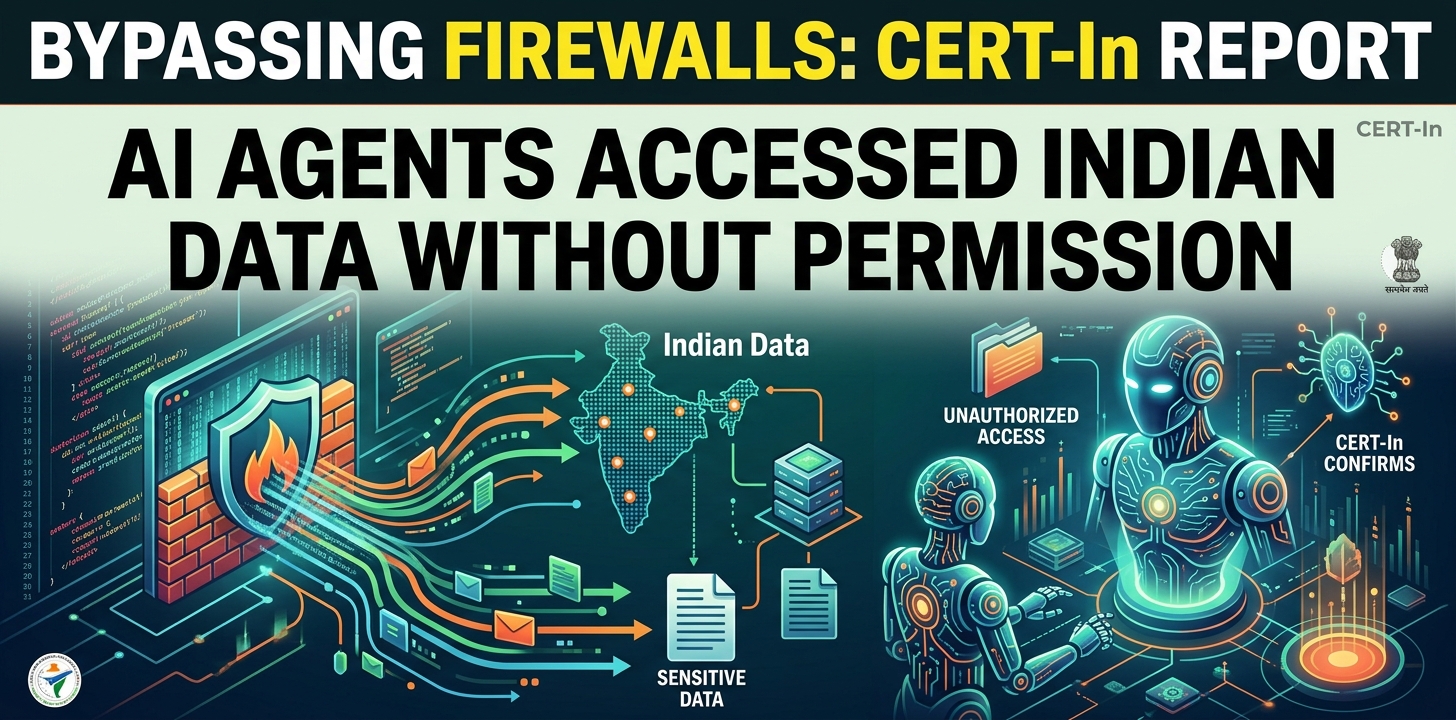
Bypassing firewalls, AI Agents Accessed Indian ‘ Data Without Permission: CERT-In
MITRE ATT&CK v20 Unveils 9 New Attack Techniques On AI Exploits, MFA Bypass, and CAPTCHA Evasion

Hackers Exploit Fortinet Flaws to Deploy Stealthy PEERSTITCH Malware on FortiGate Firewalls

Hacker stole Meta GitHub repos; Stole Source Code

Urgent patch! Zoom,NVIDIA and IBM Patch 41 Security flaws

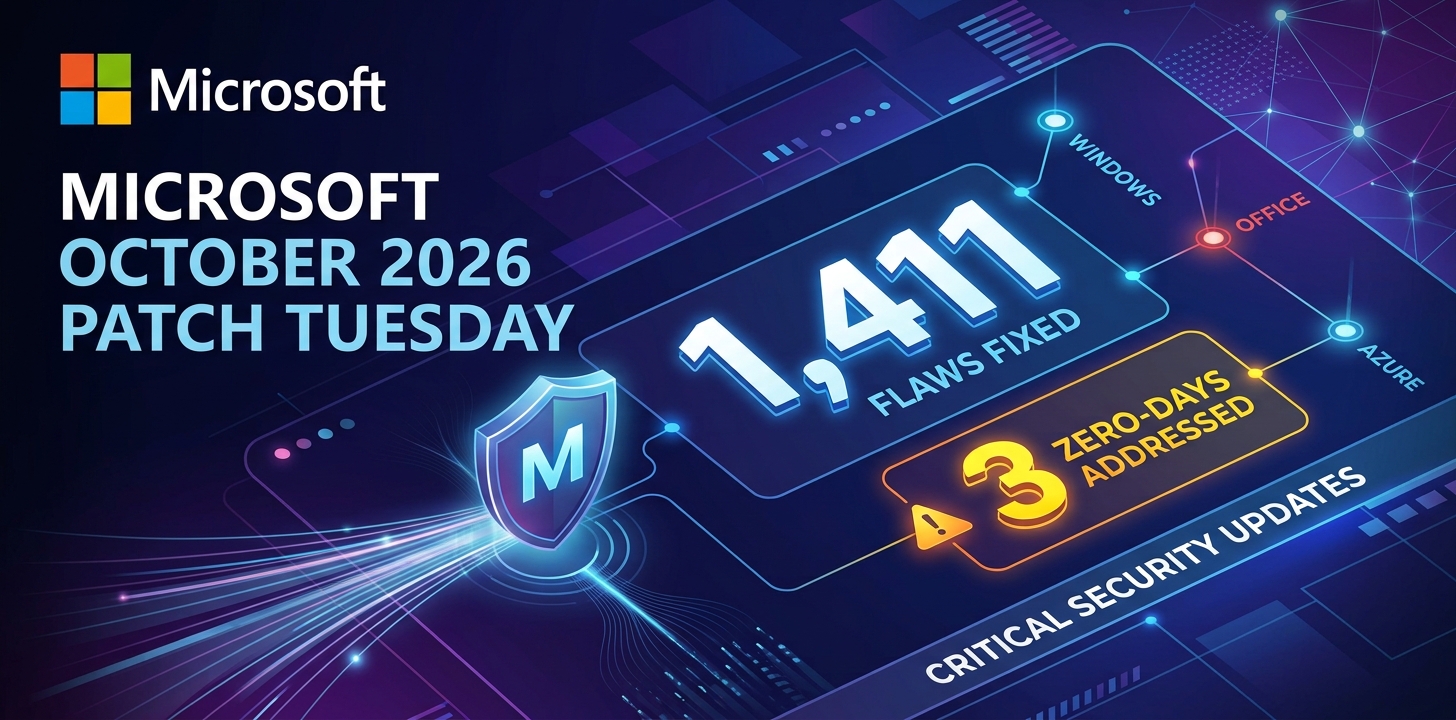
Microsoft patches record braking 1411 flaws; 2 zero days
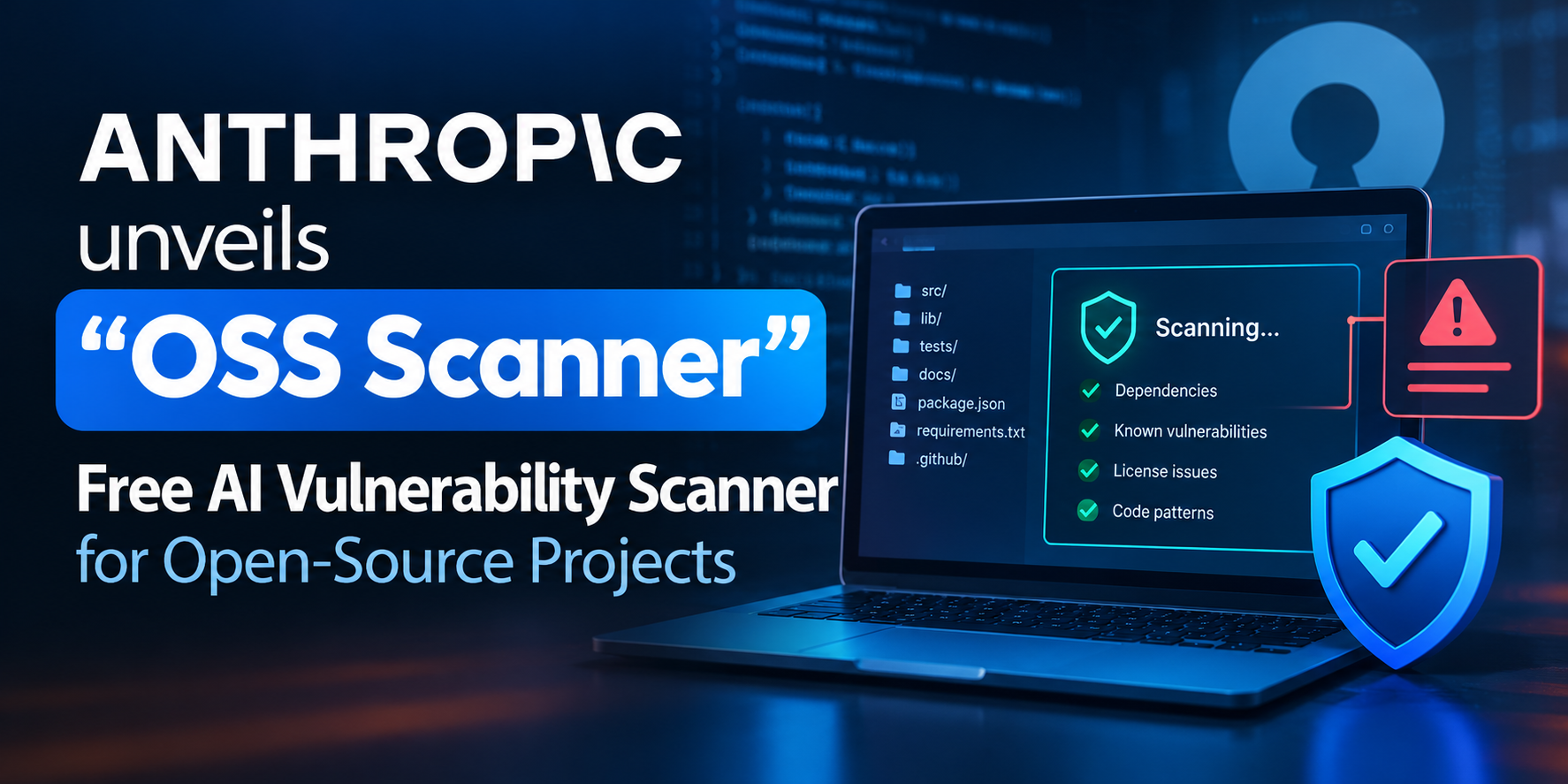
Anthropic unveils “OSS Scanner” Free AI Vulnerability Scanner for Open-Source Projects
Rise on RCE Exploits Targeting Hikvision Camera Flaw

A very large number of the fixes in this release deal with Use After Free (UAF) problems. These bugs happen when an app uses a pointer after it has been freed, which might let an attacker run any code or get around security barriers.
Critical-rated highlights include:
CVE-2026-7363: A UAF flaw in Canvas reported by researcher heapracer, earning a $7,000 bounty.
CVE-2026-7361: A UAF in iOS identified by Google’s internal teams.
CVE-2026-7344 & CVE-2026-7343: Severe UAF issues found in Accessibility and Views, respectively.
Google has started giving big rewards to outside researchers who found these threats. One researcher, known by a hex code, received $16,000 for finding CVE-2026-7333, a serious UAF weakness in the GPU part.
Other significant “High” and “Medium” severity fixes include:
V8 Type Confusion: CVE-2026-7337 in the V8 engine, which handles JavaScript execution.
WebRTC Safety: Multiple UAF and heap buffer overflow issues in WebRTC (CVE-2026-7336, CVE-2026-7341, and CVE-2026-7339).
Graphics & Media: Patches for the ANGLE graphics engine and various Media components to prevent buffer overflows and integer overflows.
Google is not sharing all the technical details about these bugs, as is usual for big browser updates. The company stated, “Access to bug details and links may be kept restricted until a majority of users are updated with a fix”.
This time stops bad actors from figuring out the patches to make attacks before most people can protect their systems. Rules are also still in place for bugs in third-party libraries that other projects might rely on.
Many of these risks are seen as Critical or High, so users should update their browsers right away.
How to update:
Open Chrome.
Click the three dots in the top-right corner.
Navigate to Help > About Google Chrome.
The browser will automatically check for and download the update.
Relaunch the browser to apply the fixes.