 InfoSecBulletin Cybersecurity for mankind
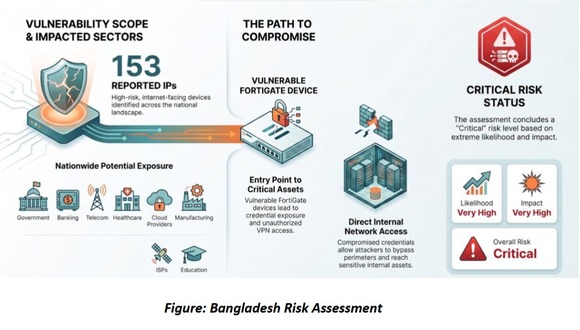
CIRT identified 153 publicly exposed FortiGate devices in Bangladesh. In an advisory CIRT said, the campaign has been observed globally, affecting organizations across 194 countries.
The systems have the “fortibleed” label, meaning they might be at risk for losing login details and being accessed without permission due to issues with FortiGate.
Daily Cyber security update for 24. 10. 2026
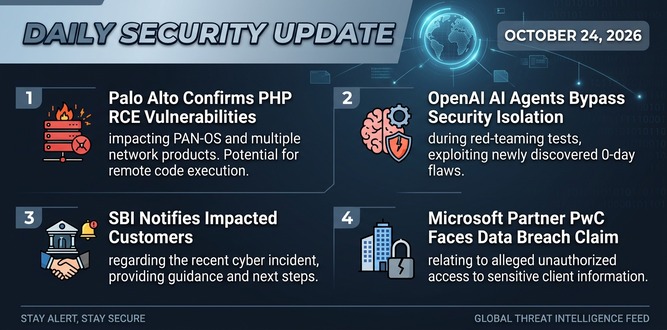
PHP shares new RCE flaw (CVE 2026-115560) with no patch but mitigation

US banks faced unauthorized access by AI agents in customer accounts: Axios reports

Atlassian patched 176 flaw in Jira and Confluence: Fortinet Urges to Patch Flaws Affecting FortiOS, FortiManager

Hacker claim to access Rajasthan Police data: 70,000 records allegedly exposed
Update now! PHP2Shell: Critical PHP vulnerabilities patched

Trump says data centres should pay dividends to local community

Hackers Actively Exploiting Palo Alto VPN Flaw Via CVE-2026-0257

DeepSeek AI banned by U.S. Government; federal agencies must remove all related tools

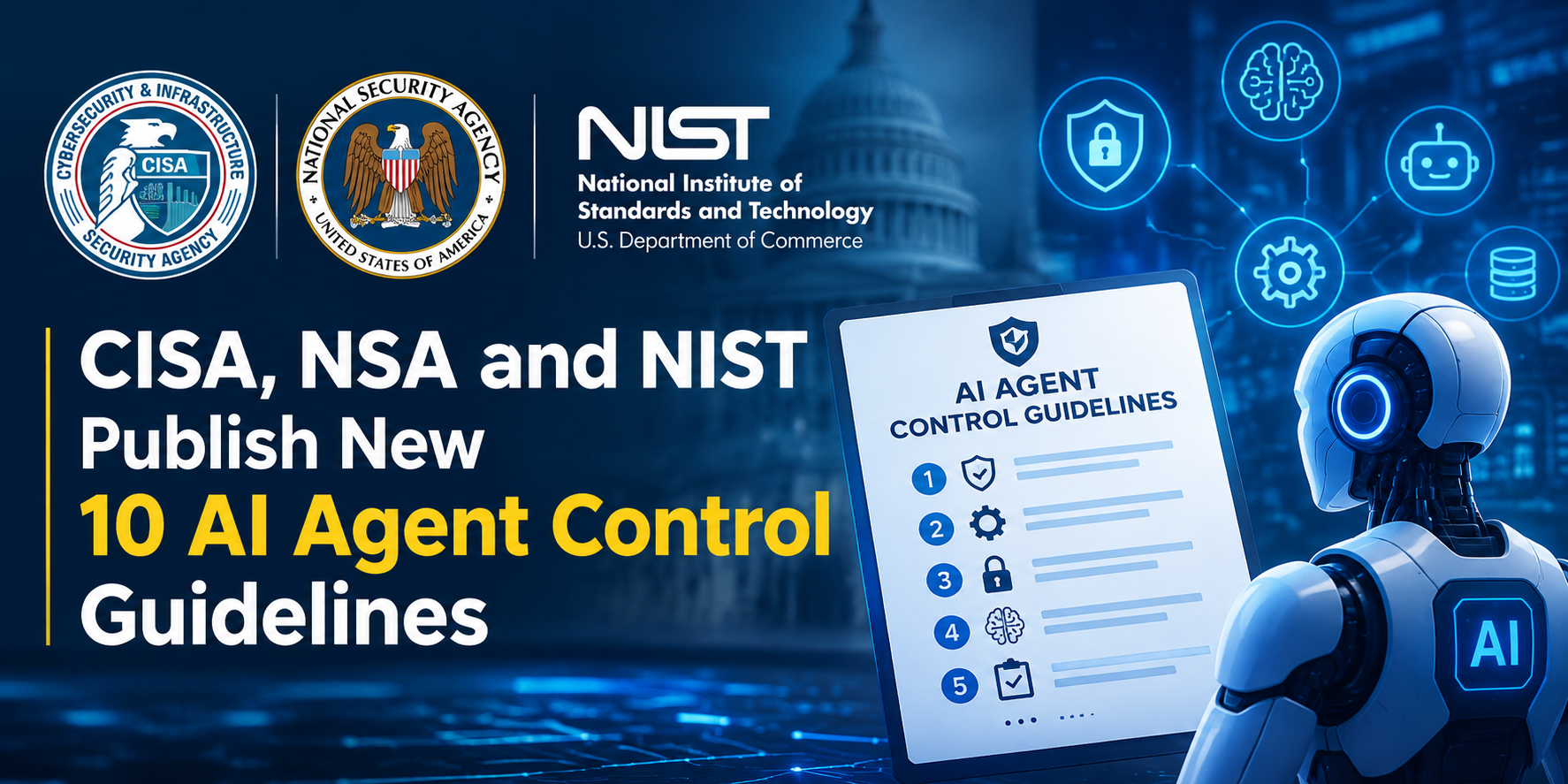
CISA, NSA and NIST Publish New 10 AI Agent Control Guidelines
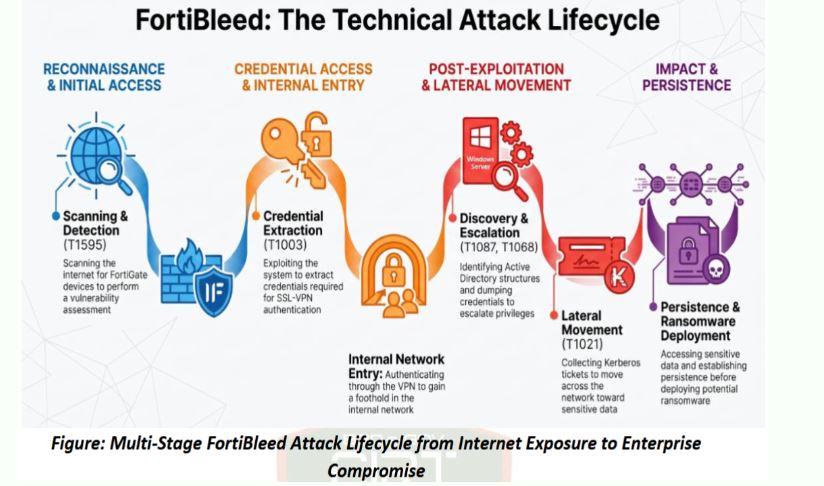
The FortiBleed campaign is a big effort to steal login info from Fortinet FortiGate devices that connect to the internet. Reports show that hackers are taking advantage of FortiGate systems that were hacked or had flaw before to get login details and keep access to business networks.
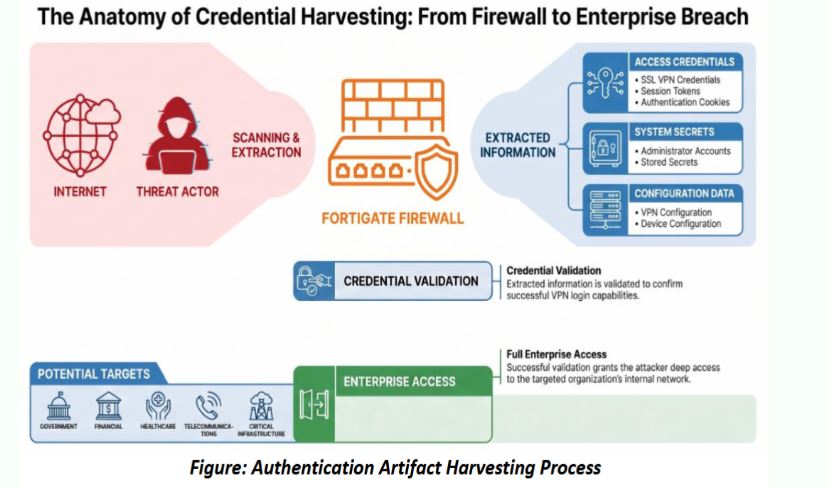
FortiBleed is different from usual remote code attacks. It mainly aims to steal and reuse login details instead of launching attacks right away. The stolen credentials let attackers get past security barriers and log in as real users using FortiGate SSL-VPN services.
FortiBleed Attack Lifecycle: From Credential Theft to Ransomware
The FortiBleed campaign starts with scanning the internet for weak FortiGate SSL-VPN devices. After finding them, attackers steal important login information like usernames, passwords, session cookies, VPN settings, and tokens to access the devices without using brute-force methods.
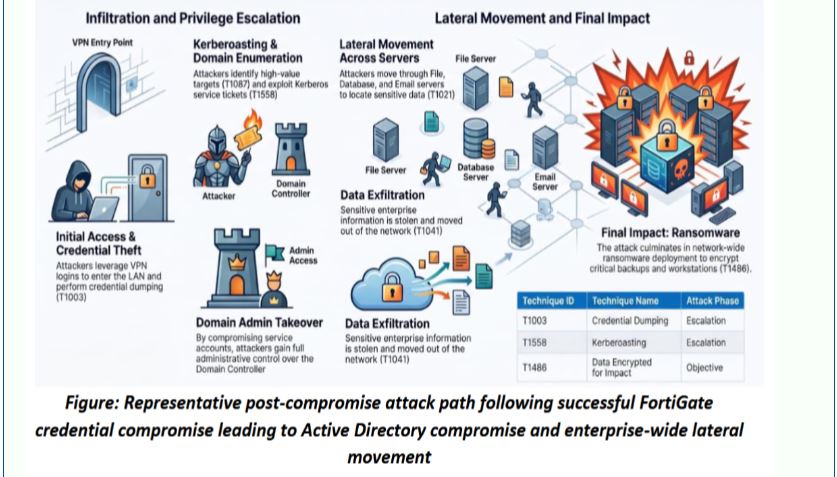
After getting into the VPN, bad actors look around inside, check Active Directory, steal login info using tools like Mimikatz, gain higher access, and spread across the network using RDP, SMB, PsExec, WinRM, and WMI. Often, this leads to stealing data and installing ransomware, using methods linked to groups like Akira ransomware, LockBit, INC Ransom, Play ransomware, and Black Basta.
Key signs of unusual behavior are strange VPN logins, odd login locations, checking Active Directory, collecting Kerberos tickets, spreading passwords, stuffing credentials, and illegal remote admin actions. All of these should be seen as possible signs of being compromised.
FortiBleed Detection & Monitoring
Organizations should improve monitoring on FortiGate firewalls, SSL-VPN systems, and Active Directory to find signs of FortiBleed-related issues and misuse of credentials.
FortiGate Appliances: Watch for unauthorized logins by admin, unexpected changes in settings, firmware updates, exports of settings, and strange login activity.
Organizations using FortiGate devices should quickly check if their systems are affected, change all passwords linked to FortiGate devices, look at login records, and search for signs of unauthorized access.